

AI
AI Workforce
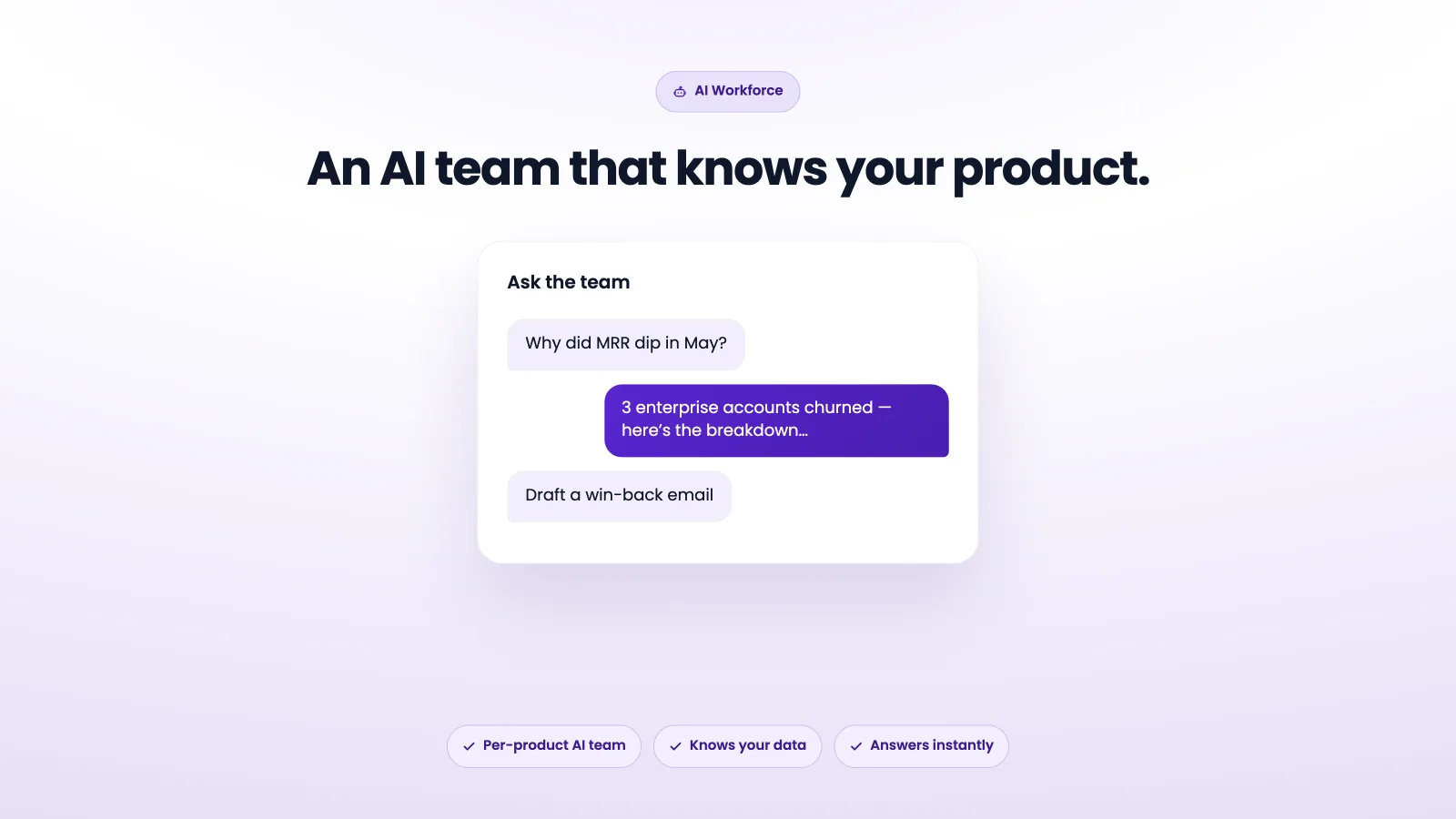
Per-product AI team: chat with employees that know your product. An AI team that knows your product. Install it in one click and it appears across your workspace instantly.
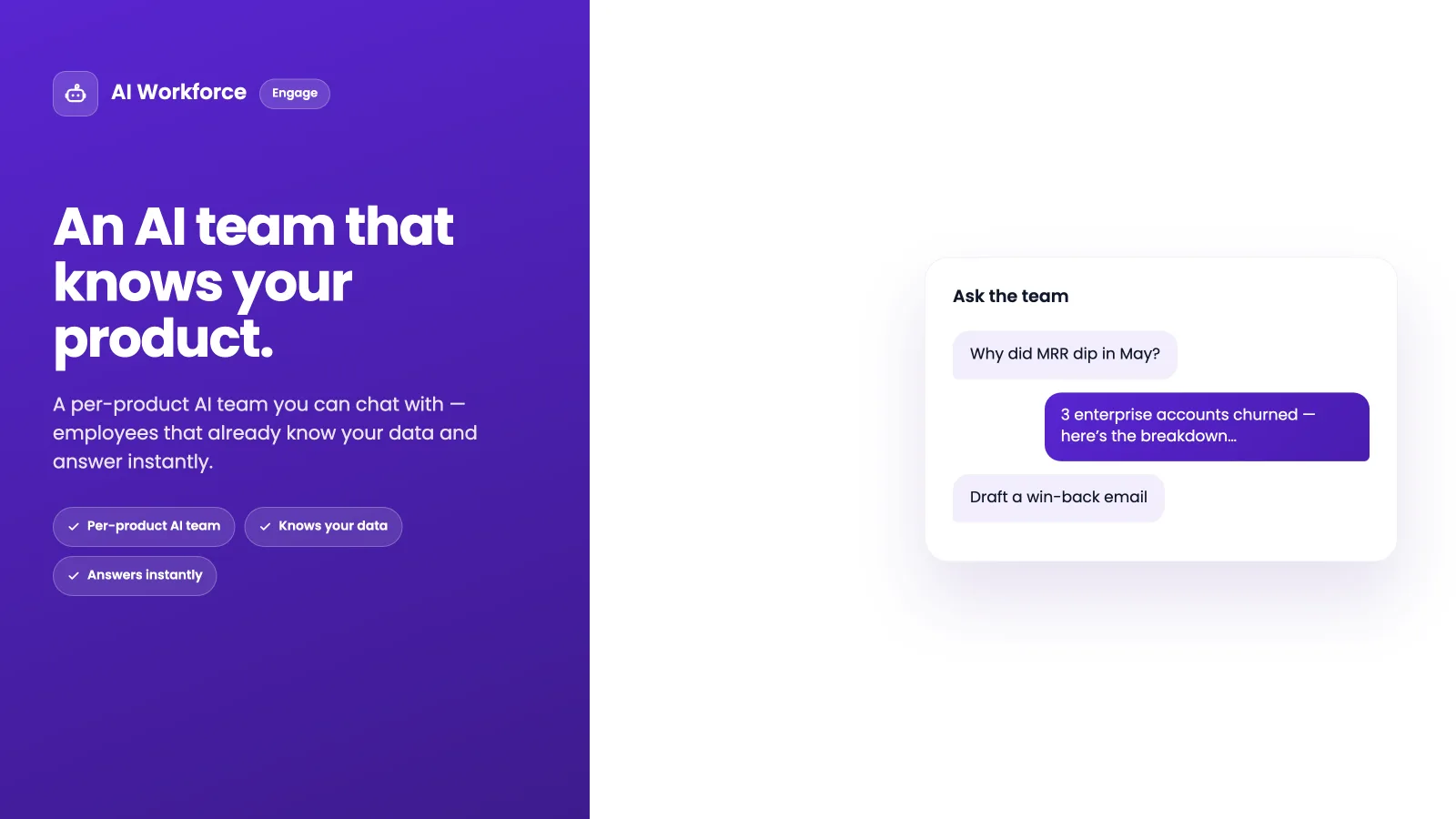
An AI team that knows your product.
Per-product AI team: chat with employees that know your product.
Turn it on or off anytime, no setup lock-in.
what it does
Inside AI Workforce
An AI workforce scoped to one product. Instead of a generic chatbot, you get named employees (a coordinator, a support specialist, a revenue analyst, a growth lead, a content writer, an app-store analyst), each with its own tools and its own view of your data. They follow the standing guidelines you write, remember what you told them, and any action that changes something waits for your confirmation.
Named employees, not one bot
Each employee has a role, a persona and its own toolset. The coordinator has access to everything; the specialists stay narrow on purpose.
Grounded in your data
Employees read your real revenue, tickets, listing, keyword and growth data through a tool layer, so answers reflect your numbers rather than a guess.
Standing guidelines
Write the house rules once (tone, policy, what never to say) and every employee follows them on every reply.
Confirmation-gated actions
An employee can propose a write action, such as opening a ticket, but it does not happen until you approve it.
Long-term memory
Employees remember facts you tell them across conversations, so you do not re-explain your product every session.
MCP access
The same grounded data is reachable over the Model Context Protocol, so an agent in your editor can query it too.
how it works
Live in three steps
- 01
Hire your team
Every employee is seeded per product. Pick the one whose role matches the question.
- 02
Set the guidelines
Answer the questions in the Guidelines tab so the team knows your product, tone and rules.
- 03
Ask, then approve
Chat as you would with a colleague. Anything that writes waits for your confirmation.
what it is for
Put to work
at a glance
- Scope
- Per product
- Grounding
- Your revenue, support, usage and listing data
- Writes
- Confirmation-gated
- Also available via
- MCP server
pricing
Free to install
Included in your workspace, no extra charge. Enable what you need.
- No extra charge
- Turn on or off anytime
- Works with your existing data
questions
Before you install
No. Write actions are confirmation-gated. The employee proposes, you approve.
Start with AI Workforce.
Create your workspace and we will switch AI Workforce on for you. Add the rest of the store whenever you need it.
No card required · every add-on free to install