
 Analytics
Usage analytics
Product events, feature adoption, activation and metrics. Understand how your product is used. Install it in one click and it appears across your workspace instantly.
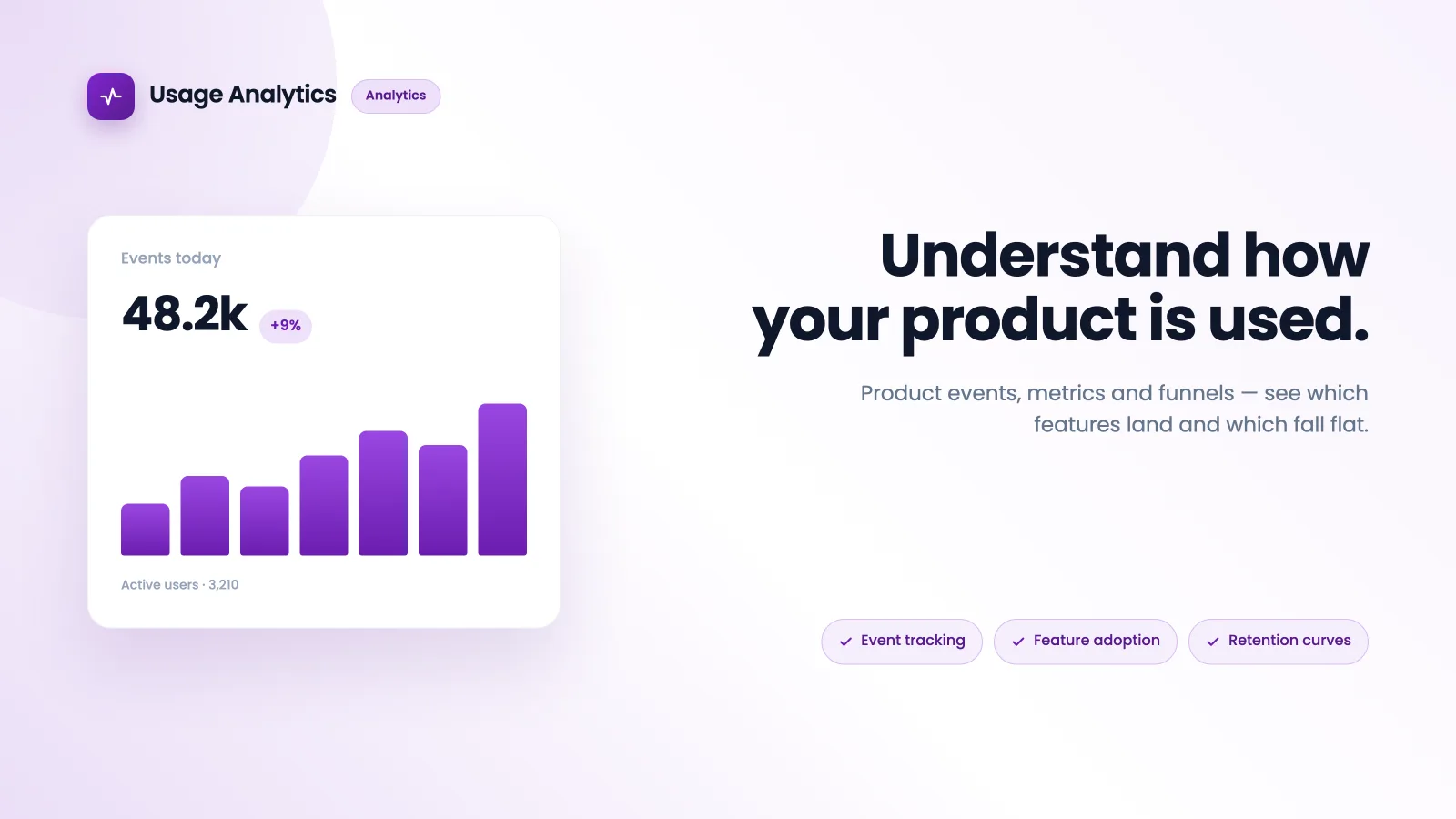
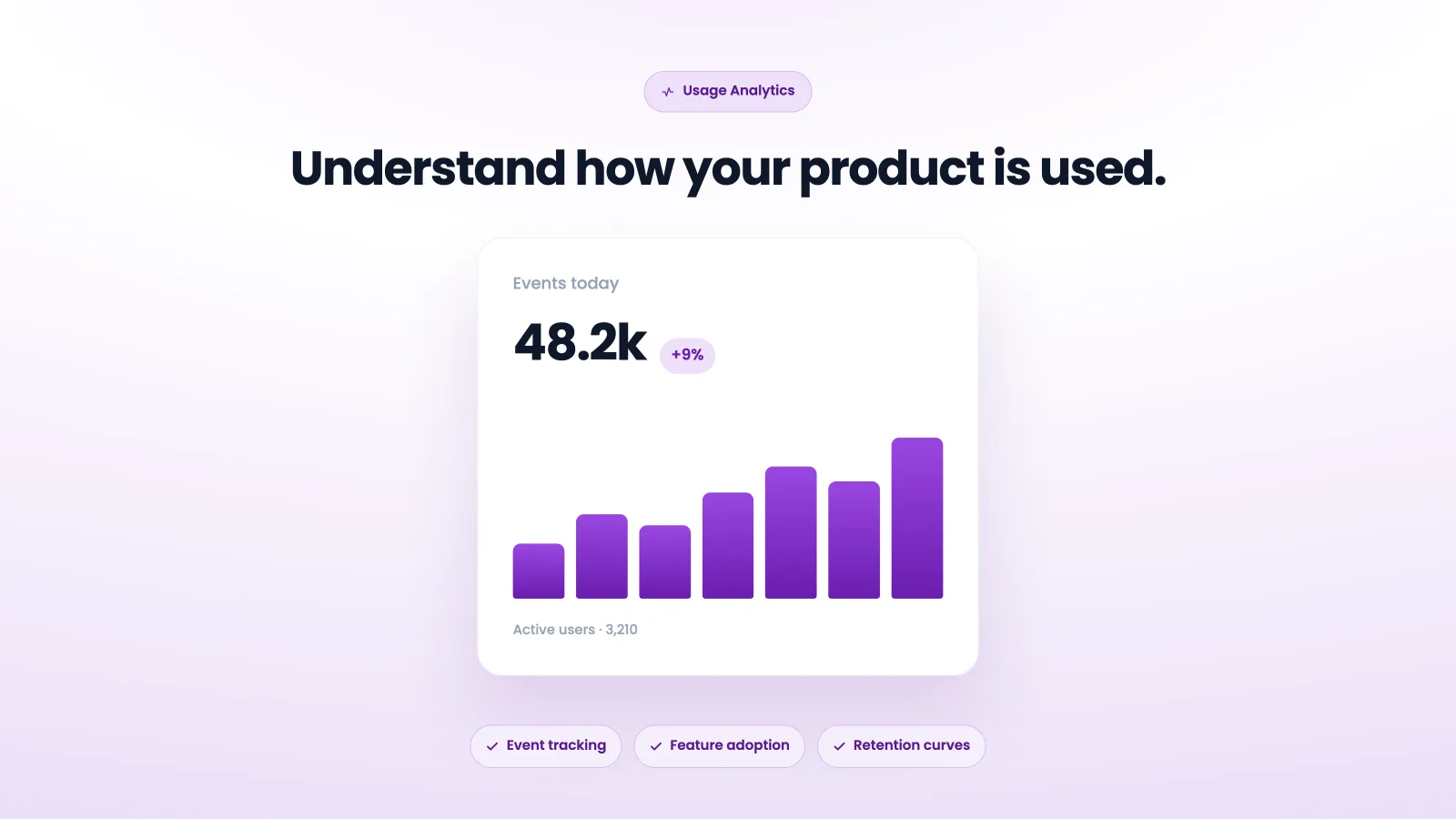
Understand how your product is used.
Product events, feature adoption, activation and metrics.
Turn it on or off anytime, no setup lock-in.
what it does
Inside Usage analytics
Usage analytics tells you what customers actually do inside your product. Push events through the ingestion API or an SDK and they are rolled into metrics, funnels and adoption trends you can segment on. The same events feed the rest of the workspace, a usage spike can start a flow, and low usage feeds the churn-risk score.
Token-authenticated ingestion API
Send single events or batches over HTTP with a hashed API token. No vendor SDK is required, though one is available.
Event explorer
Browse the raw event stream with its properties, so you can confirm what you are sending before you build on it.
Metrics and aggregations
Events roll into named usage metrics with their own aggregation, so a raw stream becomes a number you can watch.
Attributed to a person
An event carrying an email resolves to the matching customer, so usage sits on the customer record rather than on an anonymous id.
Feeds automation
Each event announces itself to Flows, so a usage milestone or a drop-off can trigger an email, a tag or a Slack alert.
Billable usage
Events can carry a billed amount, so usage-based charges are recorded alongside the behaviour that produced them.
how it works
Live in three steps
- 01
Issue an API key
Create an ingestion token for the product you are instrumenting.
- 02
Send events
Post events (one at a time or in batches) with whatever properties matter, plus an email to attribute them.
- 03
Build on them
Turn the stream into metrics and funnels, and let flows and churn scoring read the same data.
what it is for
Put to work
at a glance
- Ingestion
- HTTP API, single or batch
- Auth
- Hashed workspace API token
- Attribution
- By email, to a customer record
- Feeds
- Flows, segments and churn scoring
pricing
Free to install
Included in your workspace, no extra charge. Enable what you need.
- No extra charge
- Turn on or off anytime
- Works with your existing data
questions
Before you install
No. The ingestion API is plain HTTP with a token header. SDKs exist for convenience.
Start with Usage analytics.
Create your workspace and we will switch Usage analytics on for you. Add the rest of the store whenever you need it.
No card required · every add-on free to install
more analytics add-ons
