

App Store
Listing Analytics
GA4 visitors, traffic sources and conversion. See who visits and converts. Install it in one click and it appears across your workspace instantly.
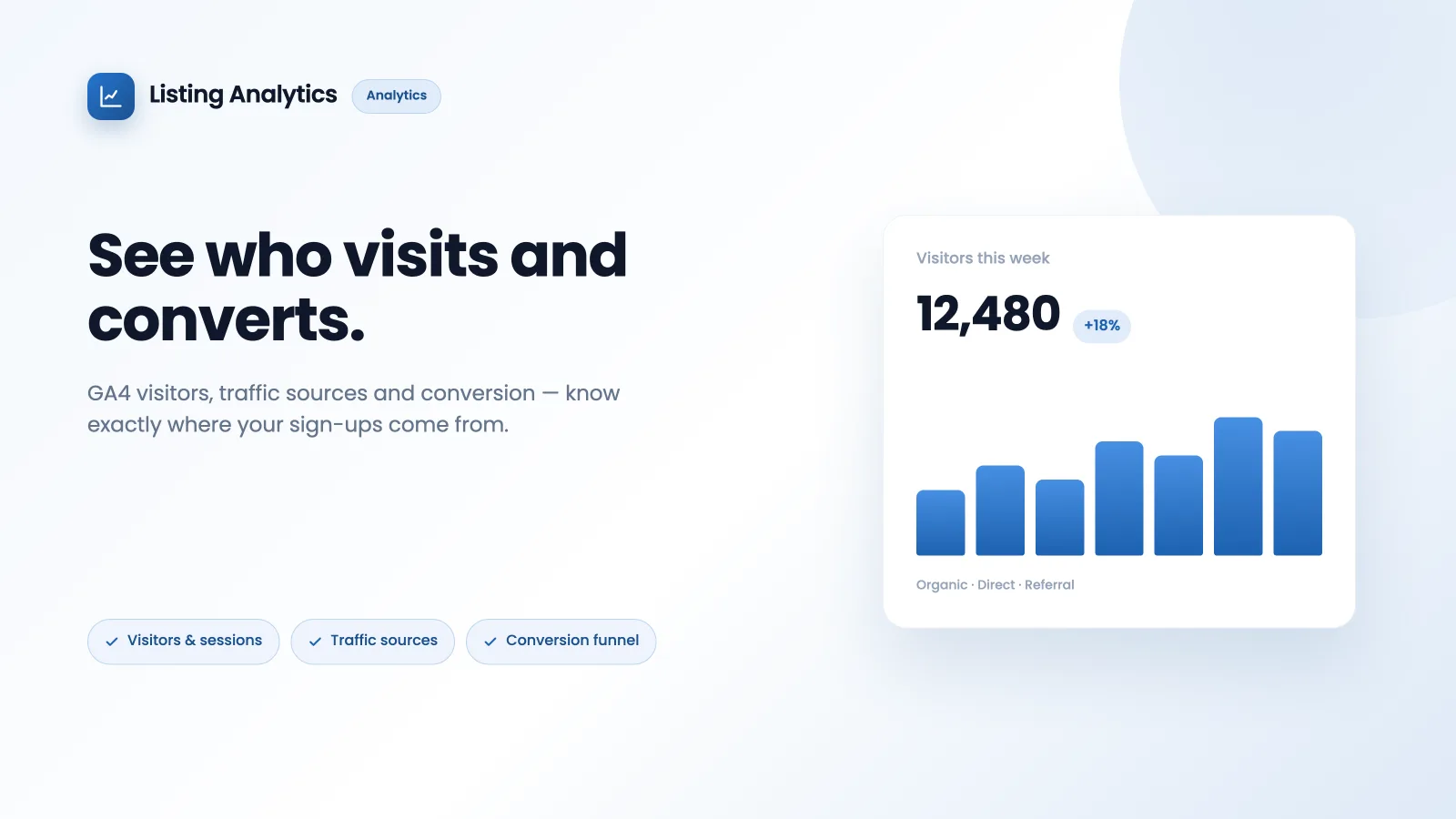
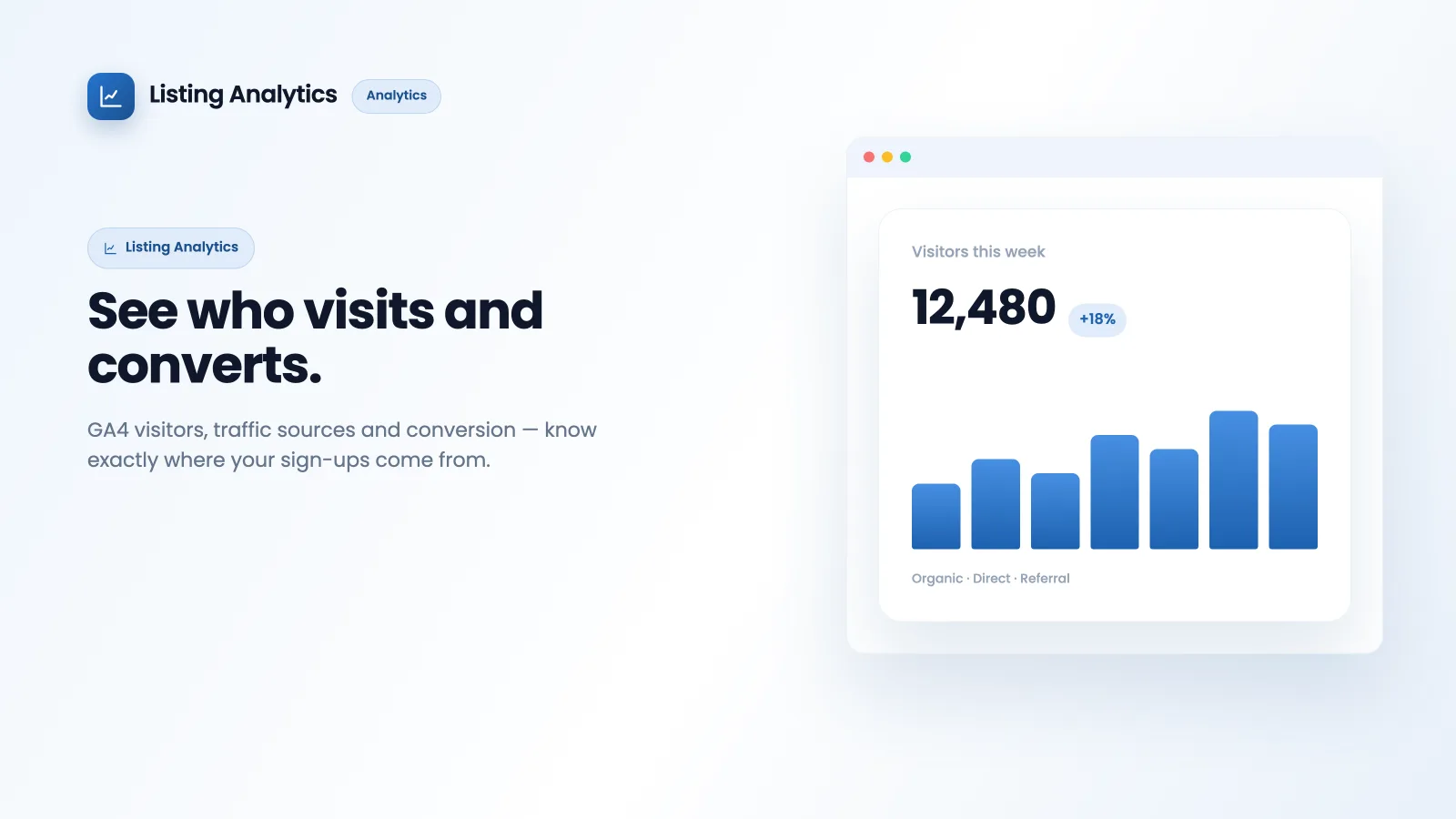
See who visits and converts.
GA4 visitors, traffic sources and conversion.
Turn it on or off anytime, no setup lock-in.
what it does
Inside Listing Analytics
Listing Analytics connects your app store listing to a GA4 property and turns the traffic into a conversion funnel. You see who arrives at the listing, where they came from, and how many of them go on to install, the half of the funnel that the App Store's own numbers do not explain.
Visitors and sessions
Listing traffic pulled from your connected GA4 property, in the same workspace as the installs it produces.
Traffic sources
See which channels send people to the listing, so you know what is worth repeating.
Conversion funnel
Visitors through to installs as one funnel, so a traffic win that does not convert is visible as such.
GA4-backed
Reads from your own GA4 property rather than a black-box estimate, so the numbers reconcile with what your analytics already say.
Next to the listing tools
Sits alongside the listing audit and keyword tracking, so the traffic and the listing that produced it are read together.
Trends over time
Track whether a listing change moved traffic or conversion, instead of guessing after the fact.
how it works
Live in three steps
- 01
Connect GA4
Authorise the GA4 property that tracks your listing traffic.
- 02
Let it pull
Visitors, sources and conversions are imported and kept current.
- 03
Read the funnel
Compare traffic against installs to see whether the listing is converting.
what it is for
Put to work
at a glance
- Data source
- Your own GA4 property
- Funnel
- Visitors through to installs
- Account type
- Shopify app developers
- Setup
- Connect GA4 once
pricing
Free to install
Included in your workspace, no extra charge. Enable what you need.
- No extra charge
- Turn on or off anytime
- Works with your existing data
questions
Before you install
Your own. It reads the GA4 property you connect, not an estimate.
Start with Listing Analytics.
Create your workspace and we will switch Listing Analytics on for you. Add the rest of the store whenever you need it.
No card required · every add-on free to install


