

App Store
Keywords
App Store search rank tracking + competitor overlap. Track search rank and overlap. Install it in one click and it appears across your workspace instantly.
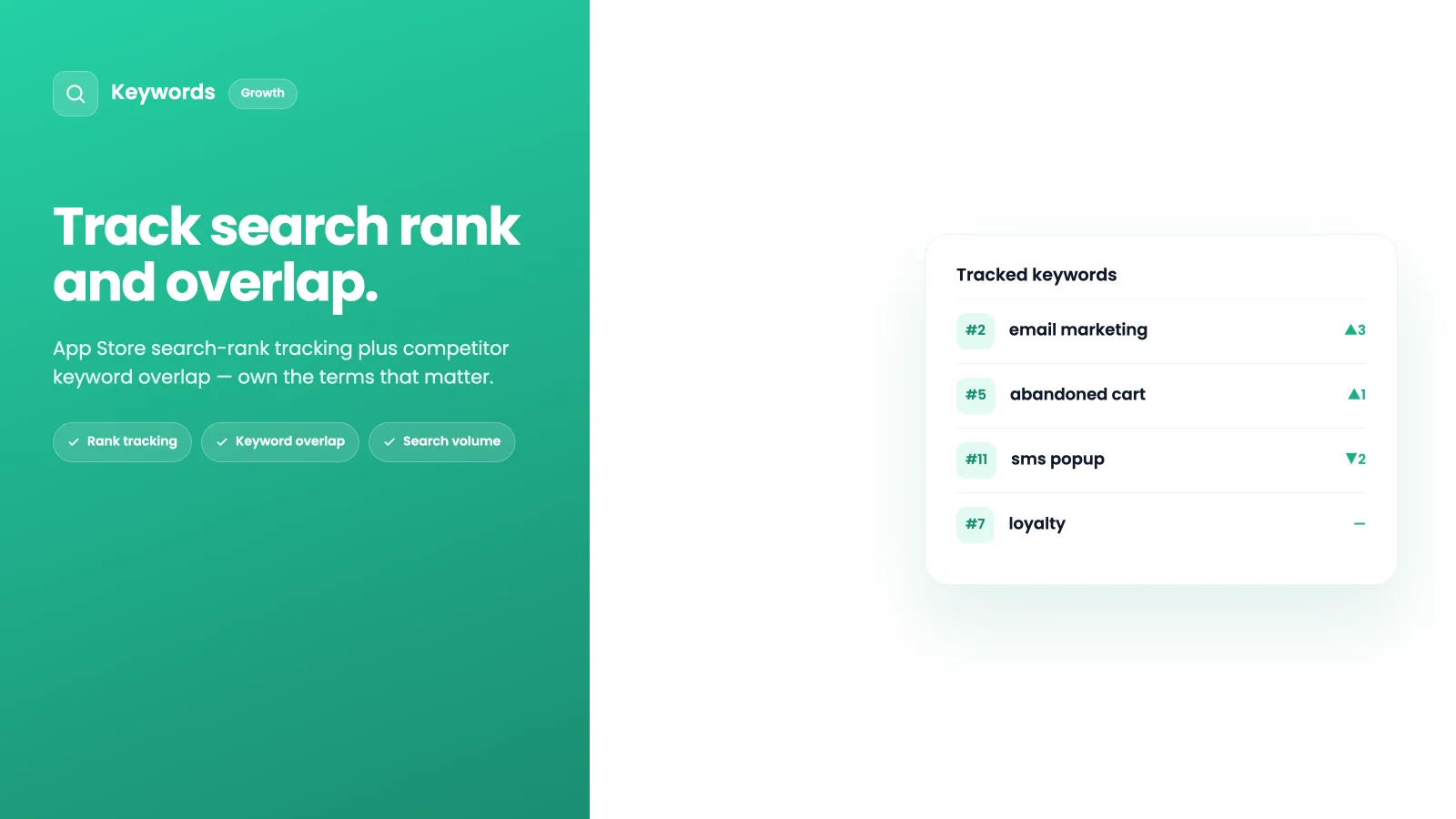
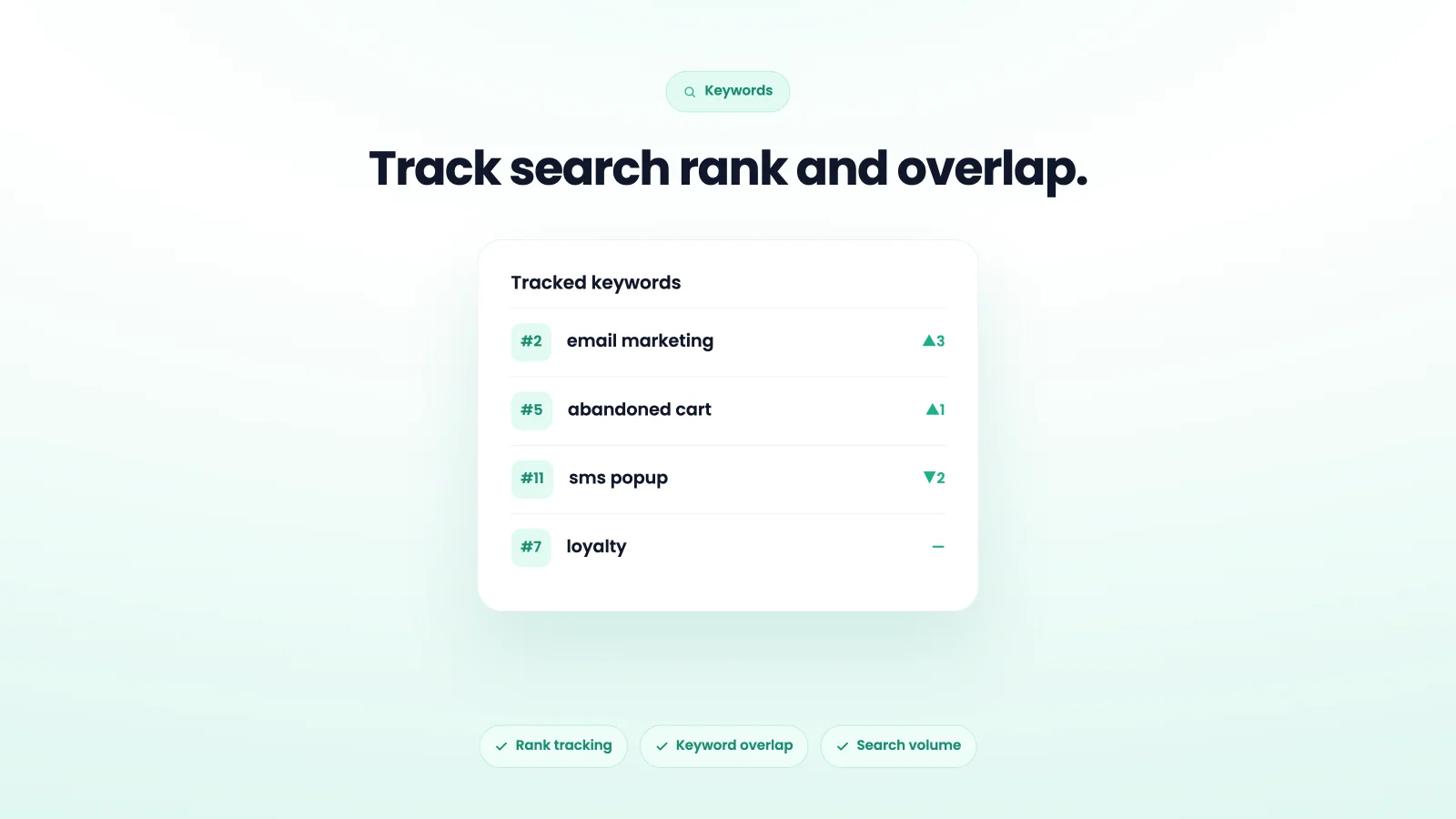
Track search rank and overlap.
App Store search rank tracking + competitor overlap.
Turn it on or off anytime, no setup lock-in.
what it does
Inside Keywords
Keyword tracking follows where your app ranks in App Store search and how that overlaps with your competitors. Ranks are captured as point-in-time snapshots against the scraped public catalog, so you get a real history rather than a single reading, and you can see which terms you and a rival are both fighting for.
Rank tracking
Follow your position for the terms that matter, captured over time rather than checked once by hand.
Point-in-time snapshots
Every reading is stored, so you can tie a rank change to the week you shipped a listing change.
Competitor overlap
See which keywords you share with a rival app, and where they outrank you.
Backed by the public catalog
Ranks come from the scraped App Store catalog, so they reflect the real listing surface rather than an estimate.
Movement over time
Rising and falling terms are visible as trends, which is what tells you whether an optimization worked.
Pairs with the optimizer
Read alongside the listing audit, change the listing, then watch the terms respond.
how it works
Live in three steps
- 01
Add your terms
Track the keywords you actually care about ranking for.
- 02
Let snapshots build
Ranks are captured over time so you get a history, not a single reading.
- 03
Compare with rivals
Check overlap to see which terms are contested and by whom.
what it is for
Put to work
at a glance
- Data source
- Scraped public App Store catalog
- History
- Point-in-time rank snapshots
- Comparison
- Competitor keyword overlap
- Account type
- Shopify app developers
pricing
Free to install
Included in your workspace, no extra charge. Enable what you need.
- No extra charge
- Turn on or off anytime
- Works with your existing data
questions
Before you install
No. Readings are stored as snapshots, so you get a trend.
Start with Keywords.
Create your workspace and we will switch Keywords on for you. Add the rest of the store whenever you need it.
No card required · every add-on free to install


