

Customers
Live Chat & Support
Embeddable chat widget + agent inbox, tied to each customer's record. Talk to customers where they are. Install it in one click and it appears across your workspace instantly.
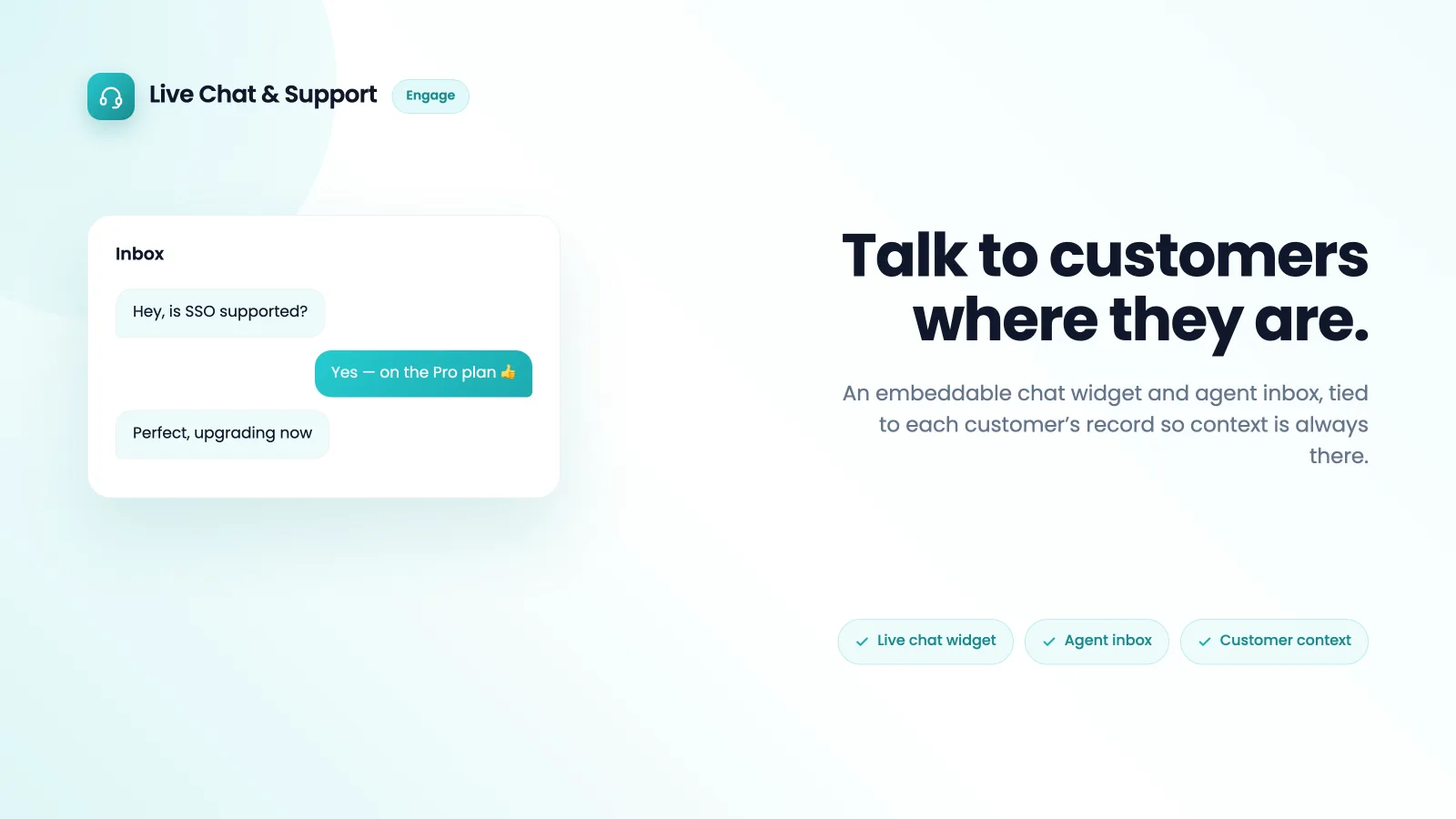
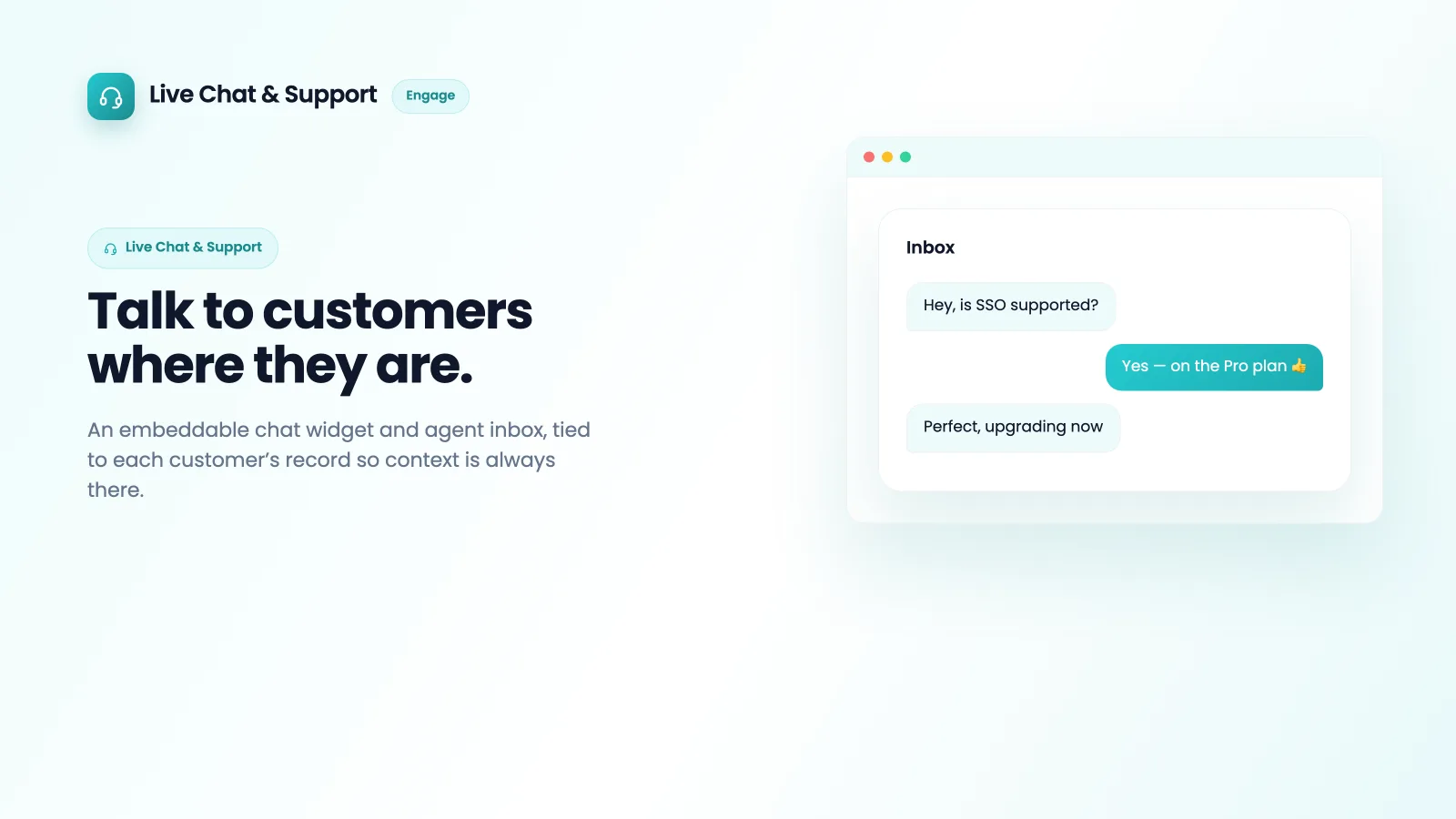
Talk to customers where they are.
Embeddable chat widget + agent inbox, tied to each customer's record.
Turn it on or off anytime, no setup lock-in.
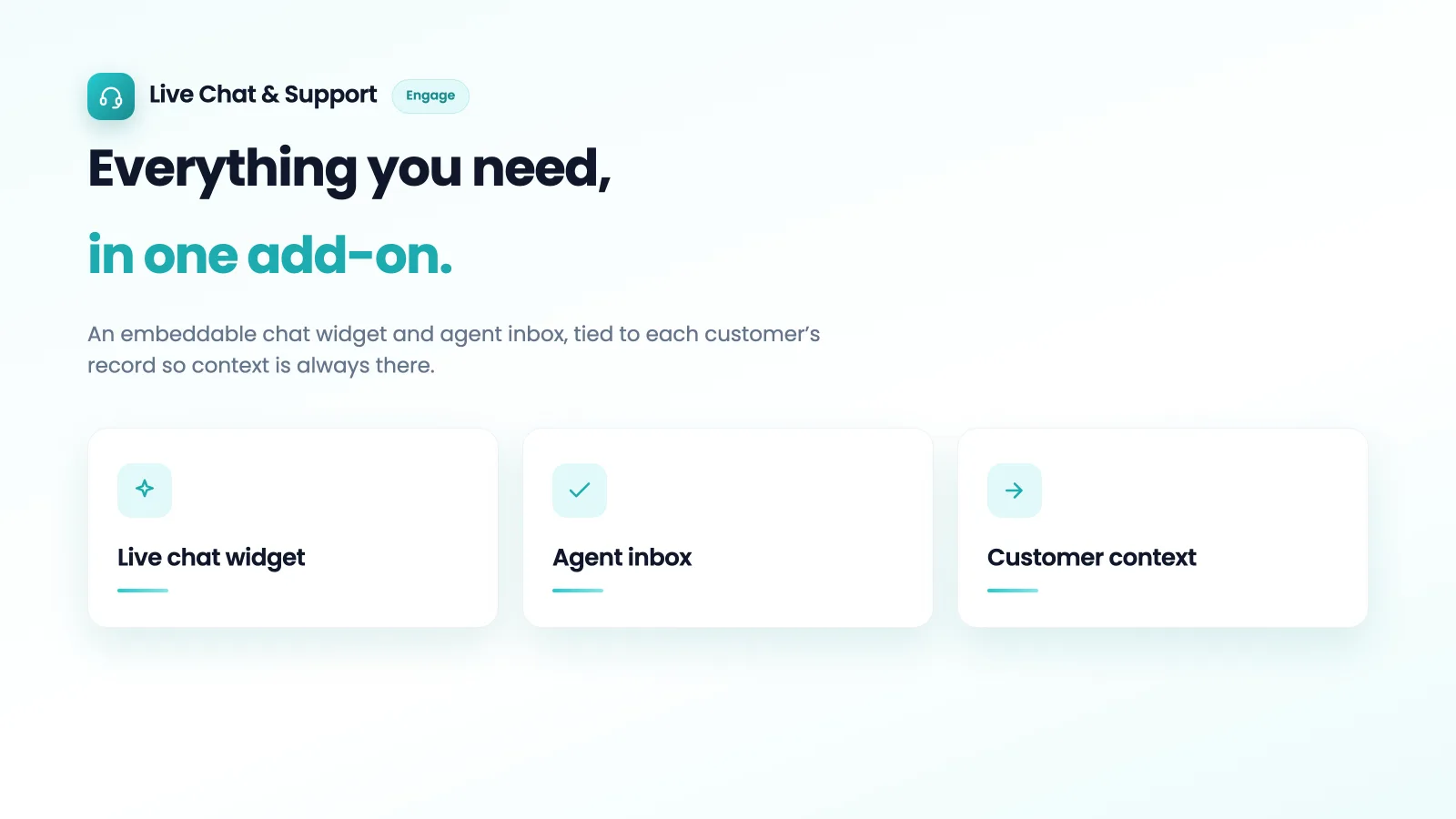
what it does
Inside Live Chat & Support
Live chat and a help desk in one add-on. A white-label chat widget (plain JavaScript, served by us) drops onto your product or site, and conversations land in an agent inbox alongside tickets. Every conversation is tied to the customer's record, so the person answering can see the plan, the revenue and the usage history without switching tabs.
Embeddable chat widget
A white-label widget you drop into your product or marketing site. No third-party branding, no heavyweight vendor script.
Agent inbox and tickets
One inbox for live chats and tickets, with a single ticket model behind both, so a conversation that needs following up does not have to be copied somewhere else.
Tied to the customer record
Each conversation sits next to that customer's plan, billing and usage, so the agent answers with context instead of asking for it.
SLA tracking
Deadlines are computed per ticket and a sweep flags breaches, so slow tickets surface before the customer complains.
Public ticket page
Customers follow and reply to their ticket at an unguessable link, with no account to create.
Feeds session replay
The same widget ships the self-hosted recorder behind Session Replay, so you can watch what a customer did before they wrote in.
how it works
Live in three steps
- 01
Install the widget
Add the snippet to your product or site and style it to match.
- 02
Answer from the inbox
Chats and tickets arrive in one place, each with the customer's record attached.
- 03
Track and close
SLA deadlines flag what is running late; customers follow the thread at their own link.
what it is for
Put to work
at a glance
- Widget
- Self-served, white-label JavaScript
- Ticket model
- One model for chats and tickets
- SLA
- Deadlines with breach sweep
- Customer page
- Token-gated, no account needed
pricing
Free to install
Included in your workspace, no extra charge. Enable what you need.
- No extra charge
- Turn on or off anytime
- Works with your existing data
questions
Before you install
No. It is white-label and styled to your product.
Start with Live Chat & Support.
Create your workspace and we will switch Live Chat & Support on for you. Add the rest of the store whenever you need it.
No card required · every add-on free to install


