

Marketing
Flows & Emails
Automation flows and email templates. Automate the busywork. Install it in one click and it appears across your workspace instantly.
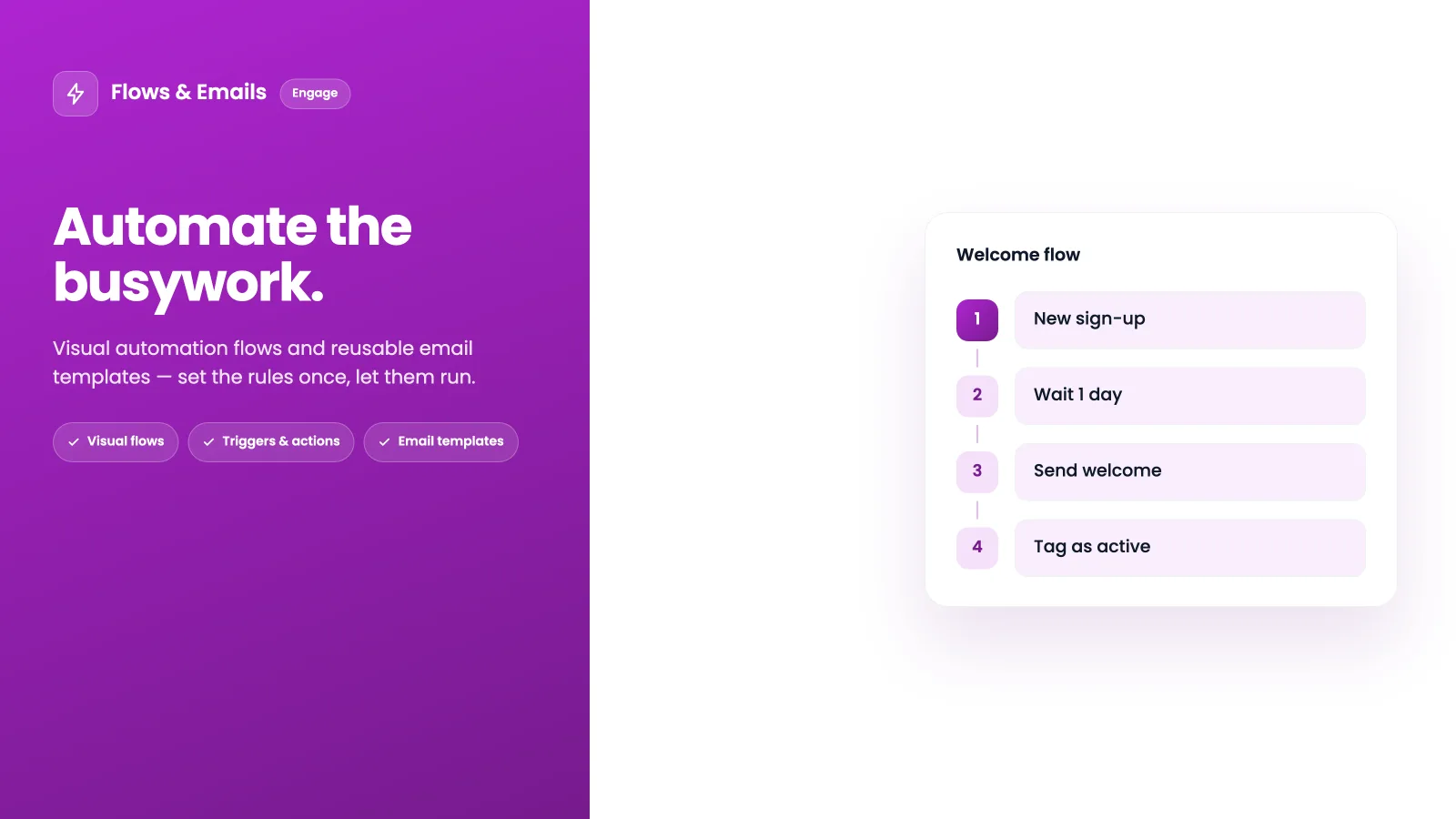
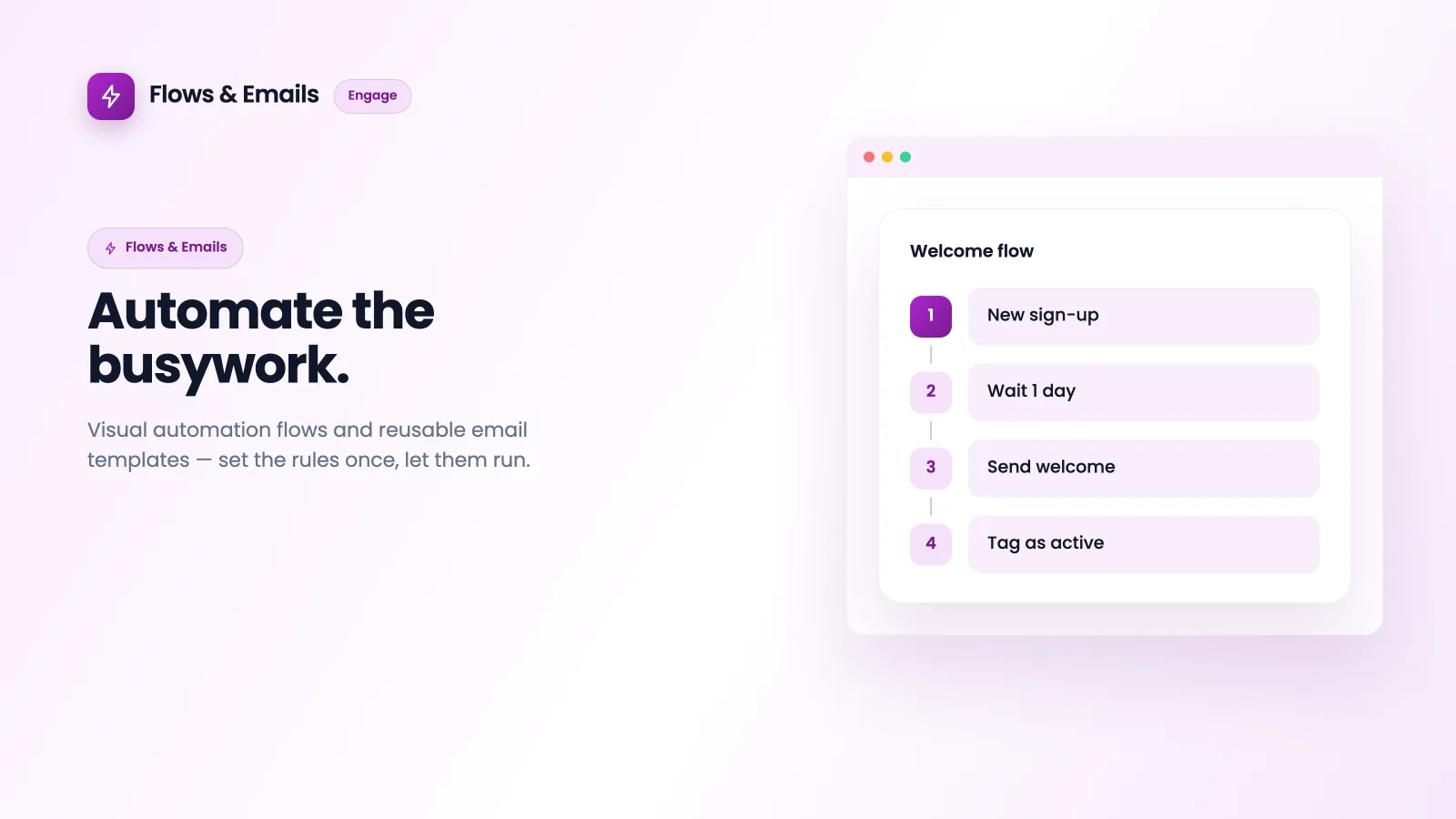
Automate the busywork.
Automation flows and email templates.
Turn it on or off anytime, no setup lock-in.
what it does
Inside Flows & Emails
Flows are trigger-driven automations for your product's lifecycle. A flow fires on an event (an install, a plan change, a usage spike, a churn signal), evaluates the conditions you set, and then queues its actions. Branching means one flow can handle several outcomes instead of forcing you to build one flow per case. The add-on also ships public intake forms whose submissions can start a flow.
Triggers from real events
Flows fire on product and billing events (signup, install, plan change, usage events, churn risk), the same events the rest of your workspace already records.
Conditions and branching
Evaluate the event and the customer behind it, then take different paths from the same trigger rather than duplicating the flow.
Actions that do the work
Send an email, add a tag, post to Slack or Lark, call a webhook, or enrol the customer in an outreach sequence.
At-most-once runs
Every run carries a dedupe key, so a replayed or duplicated event cannot double-send an email to the same customer.
Public intake forms
Build a form with the fields you need, publish it, and let each submission start a flow.
Test before you ship
Simulate an event and test-run a single flow, so you see what would happen before real customers do.
how it works
Live in three steps
- 01
Pick a trigger
Choose the event that should start the flow, such as a new signup or a plan downgrade.
- 02
Add conditions and actions
Narrow it to the customers you mean, then queue the emails, tags, webhooks or Slack posts that follow.
- 03
Turn it on
Test-run it first, then activate. Every matching event from then on runs the flow.
what it is for
Put to work
at a glance
- Trigger sources
- Product, billing and usage events
- Actions
- Email, tag, Slack, Lark, webhook, sequence enrolment
- Delivery
- Queued, at-most-once per event
- Dry run
- Simulate an event and test a single flow
pricing
Free to install
Included in your workspace, no extra charge. Enable what you need.
- No extra charge
- Turn on or off anytime
- Works with your existing data
questions
Before you install
No. Each run carries a dedupe key derived from the source event, so a replay is a no-op.
Start with Flows & Emails.
Create your workspace and we will switch Flows & Emails on for you. Add the rest of the store whenever you need it.
No card required · every add-on free to install


