

Marketing
Content & Pages
Create and manage public content pages with SEO controls. Publish public pages, a built-in page builder, SEO controls and custom themes. No code. Install it in one click and it appears across your workspace instantly.
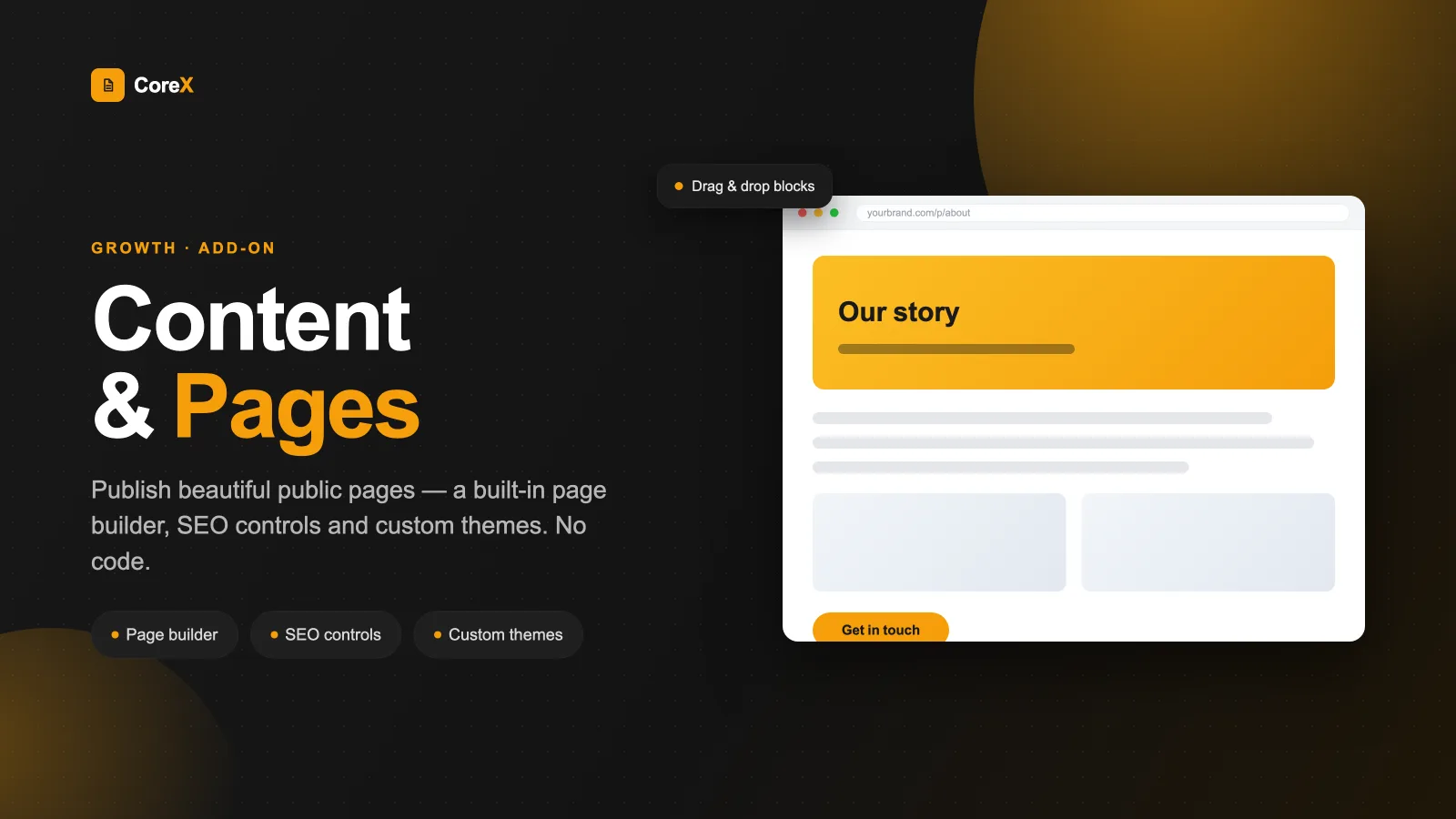
Publish public pages.
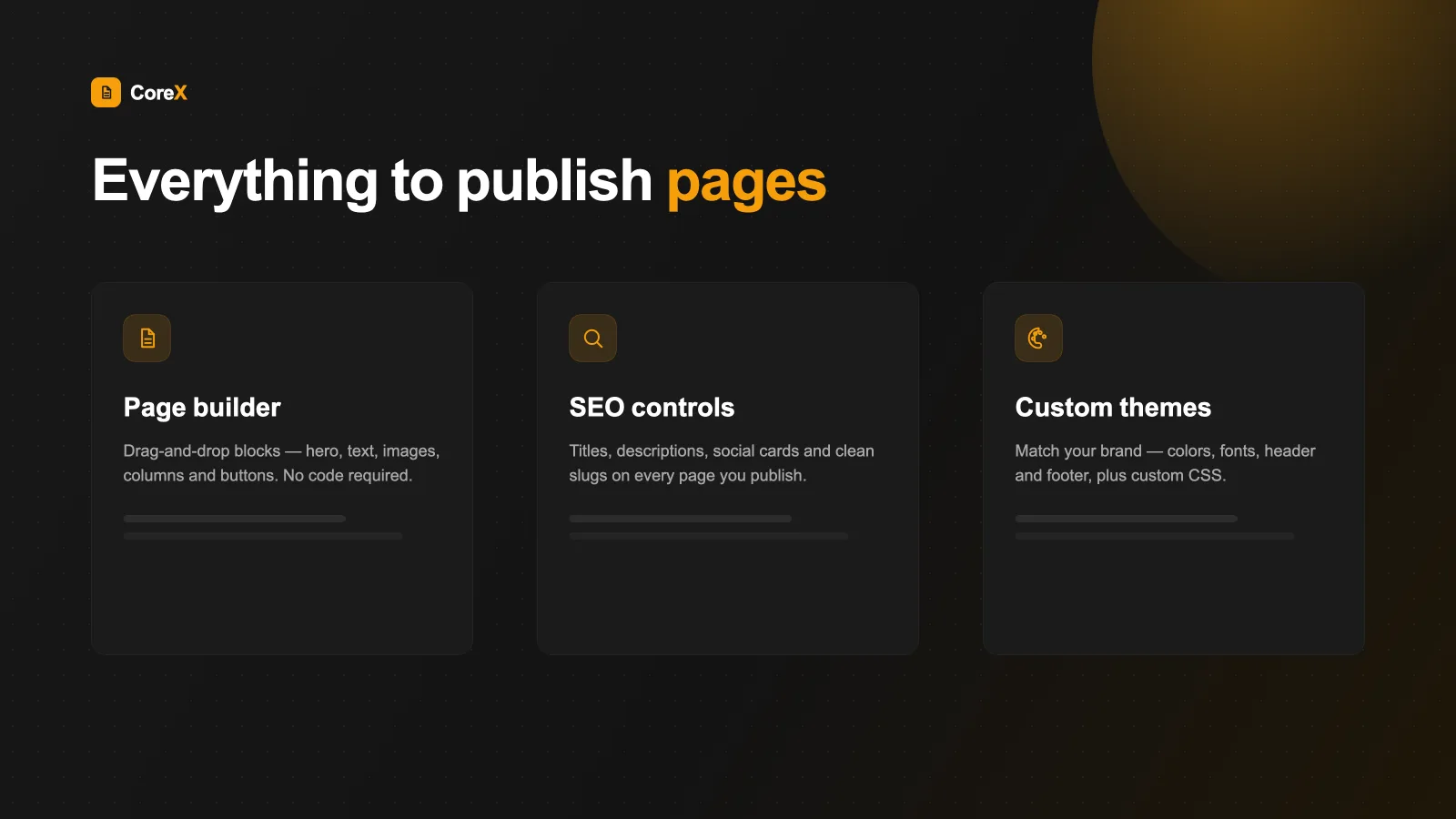
Drag-and-drop page builder, hero, text, images, columns and buttons.
SEO controls and custom themes on every page.
what it does
Inside Content & Pages
A lightweight CMS for public pages, modelled on an online store's Pages section. Author a page in the panel with a rich-text body and its own SEO controls, set visibility and a publish schedule, and it is served server-rendered at your workspace's public URL. No account is needed to read it.
Rich-text pages
Write with a real editor (headings, links, images, lists), rather than pasting HTML you then have to maintain.
Per-page SEO
Title, description and slug are set per page, so a published page arrives ready to be indexed.
Visibility and scheduling
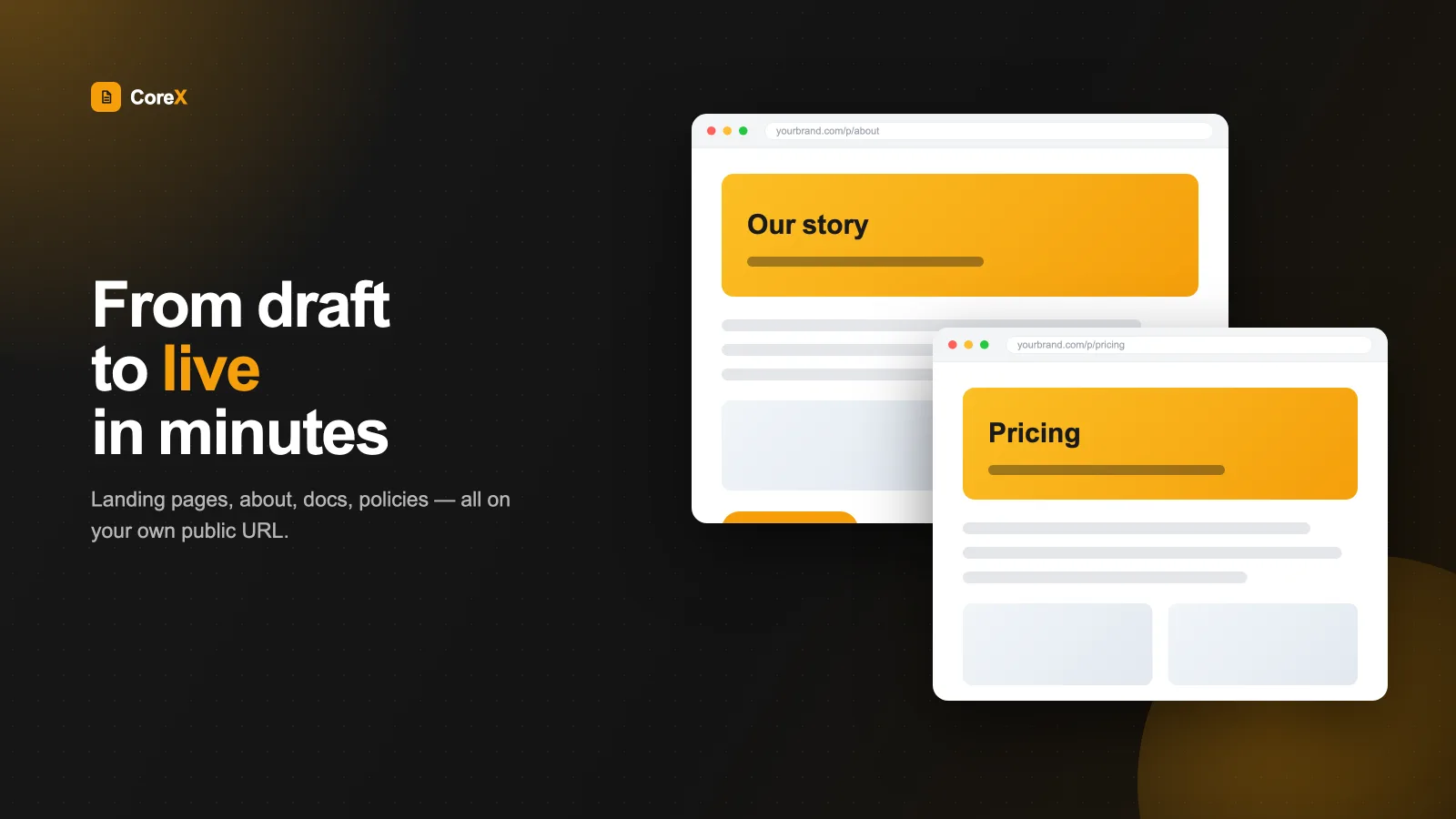
Keep a page hidden while you work on it and schedule when it goes live.
Server-rendered public URL
Pages are served at your workspace's public path and readable by anyone, including crawlers.
Managed in the panel
Everything is edited where the rest of your workspace lives, no separate CMS login.
Source-neutral
Content does not care where your data comes from. It works the same for a Shopify app, a Stripe SaaS or anything else.
how it works
Live in three steps
- 01
Write the page
Compose the body, set the slug and fill in the SEO fields.
- 02
Choose when it appears
Publish now, or schedule it and keep it hidden until then.
- 03
Share the URL
The page is served publicly and server-rendered, ready for search engines.
what it is for
Put to work
at a glance
- Editor
- Rich text
- SEO
- Per-page title, description and slug
- Publishing
- Visibility plus scheduling
- Rendering
- Server-rendered public URL
pricing
Free to install
Included in your workspace, no extra charge. Enable what you need.
- No extra charge
- Turn on or off anytime
- Works with your existing data
questions
Before you install
No. Published pages are public and server-rendered.
Start with Content & Pages.
Create your workspace and we will switch Content & Pages on for you. Add the rest of the store whenever you need it.
No card required · every add-on free to install


