

Marketing
Email campaigns
Campaigns, sends and suppression list. Reach customers by email. Install it in one click and it appears across your workspace instantly.
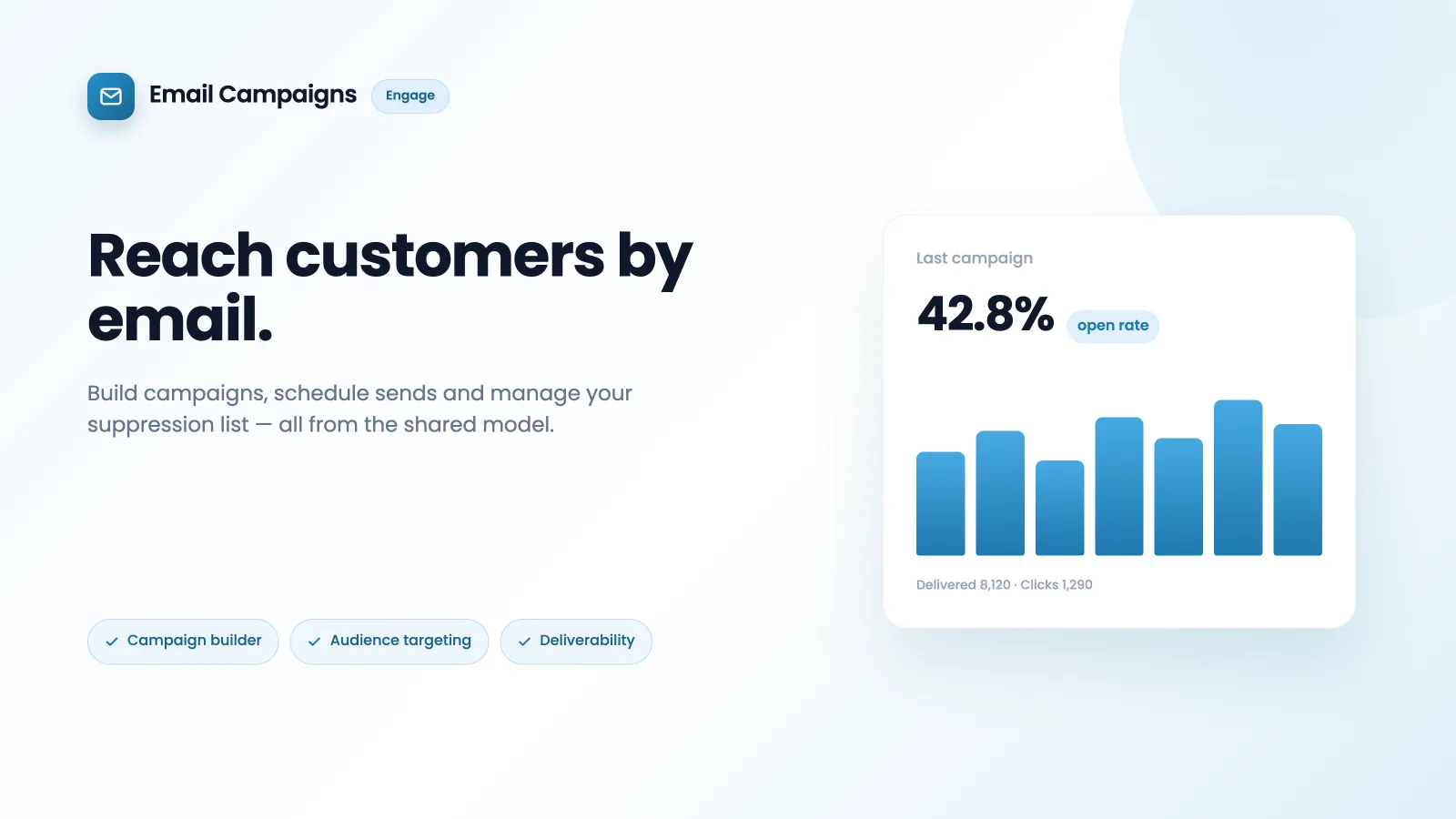
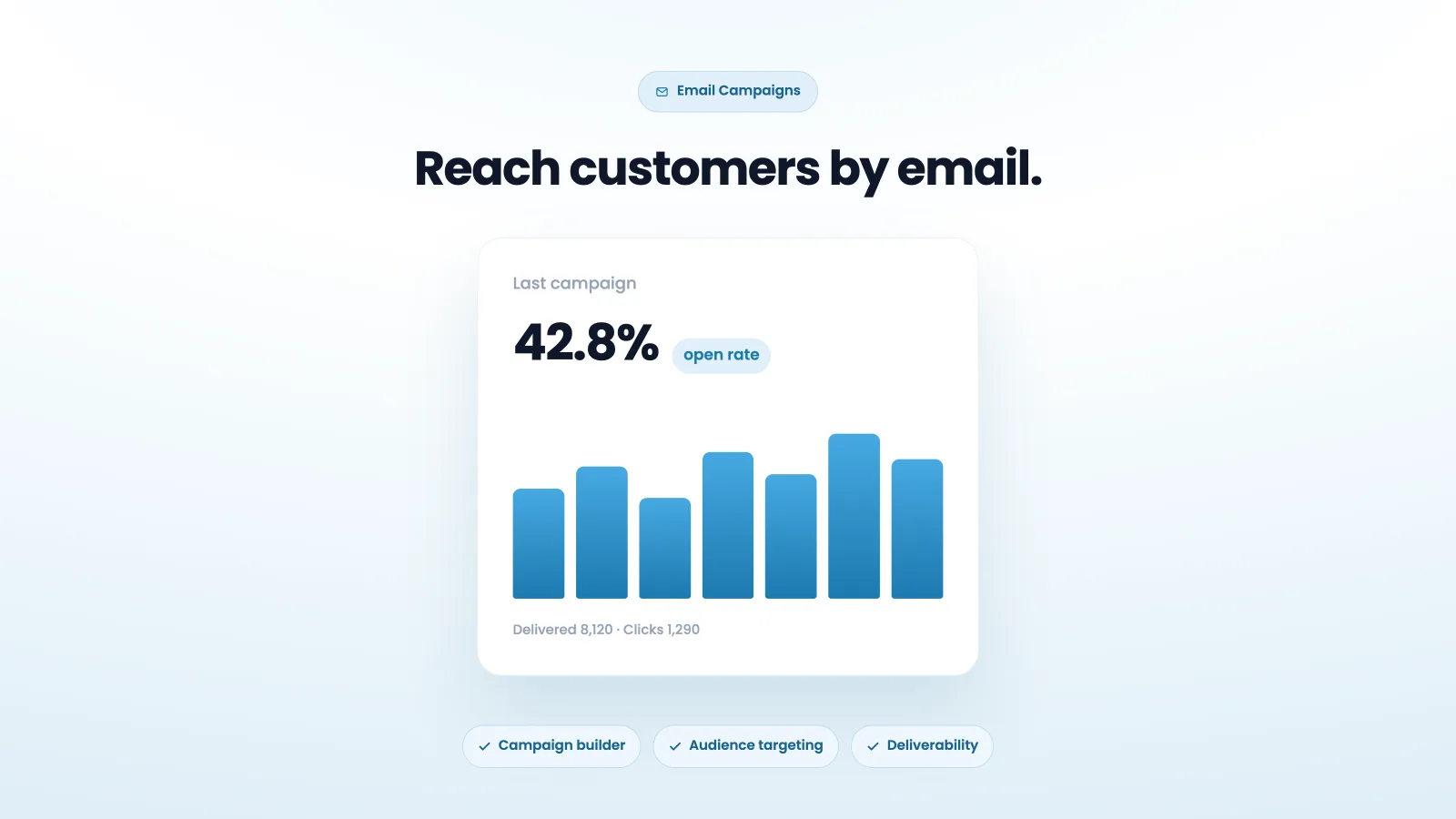
Reach customers by email.
Campaigns, sends and suppression list.
Turn it on or off anytime, no setup lock-in.
what it does
Inside Email campaigns
Email campaigns give you reusable templates, one-off and segmented broadcasts, and the delivery infrastructure behind them. Campaigns target a customer segment, are delivered asynchronously, and are tracked per recipient for opens and clicks. Senders, sending domains and a suppression list are managed in the same place, so what you send stays deliverable.
Template library
Reusable email templates with merge tags, so a campaign is a matter of choosing an audience rather than rewriting the copy.
Segment-targeted campaigns
Point a campaign at a customer segment and it sends to whoever is in that segment, no CSV export, no list to maintain by hand.
Per-recipient tracking
Every send is recorded individually with its opens and clicks, so a campaign's result is a real list of people, not just a percentage.
Suppression list
Unsubscribes and bounces land on a suppression list that every later campaign respects automatically.
Senders and sending domains
Configure the addresses you send from and authenticate your own domain, so mail arrives from you and lands in the inbox.
Async delivery
Large campaigns are queued and delivered in the background, sending to a big segment never blocks the workspace.
how it works
Live in three steps
- 01
Set up your sender
Add the address you send from and authenticate your sending domain.
- 02
Write the template
Compose it once with merge tags and keep it in the library for reuse.
- 03
Pick a segment and send
Choose the audience, queue the campaign and watch opens and clicks land per recipient.
what it is for
Put to work
at a glance
- Audience
- Customer segments
- Tracking
- Per-recipient opens and clicks
- Deliverability
- Own sending domain and suppression list
- Delivery
- Queued and asynchronous
pricing
Free to install
Included in your workspace, no extra charge. Enable what you need.
- No extra charge
- Turn on or off anytime
- Works with your existing data
questions
Before you install
From your customer segments, the same segments the rest of the workspace uses, so the list is never stale.
Start with Email campaigns.
Create your workspace and we will switch Email campaigns on for you. Add the rest of the store whenever you need it.
No card required · every add-on free to install


