
 Operations
Finance
Expenses, net earnings and profit-share payouts. Track spend and payouts. Install it in one click and it appears across your workspace instantly.
what you get
- Track spend and payouts.
- Expenses, net earnings and profit-share payouts.
- Turn it on or off anytime, no setup lock-in.
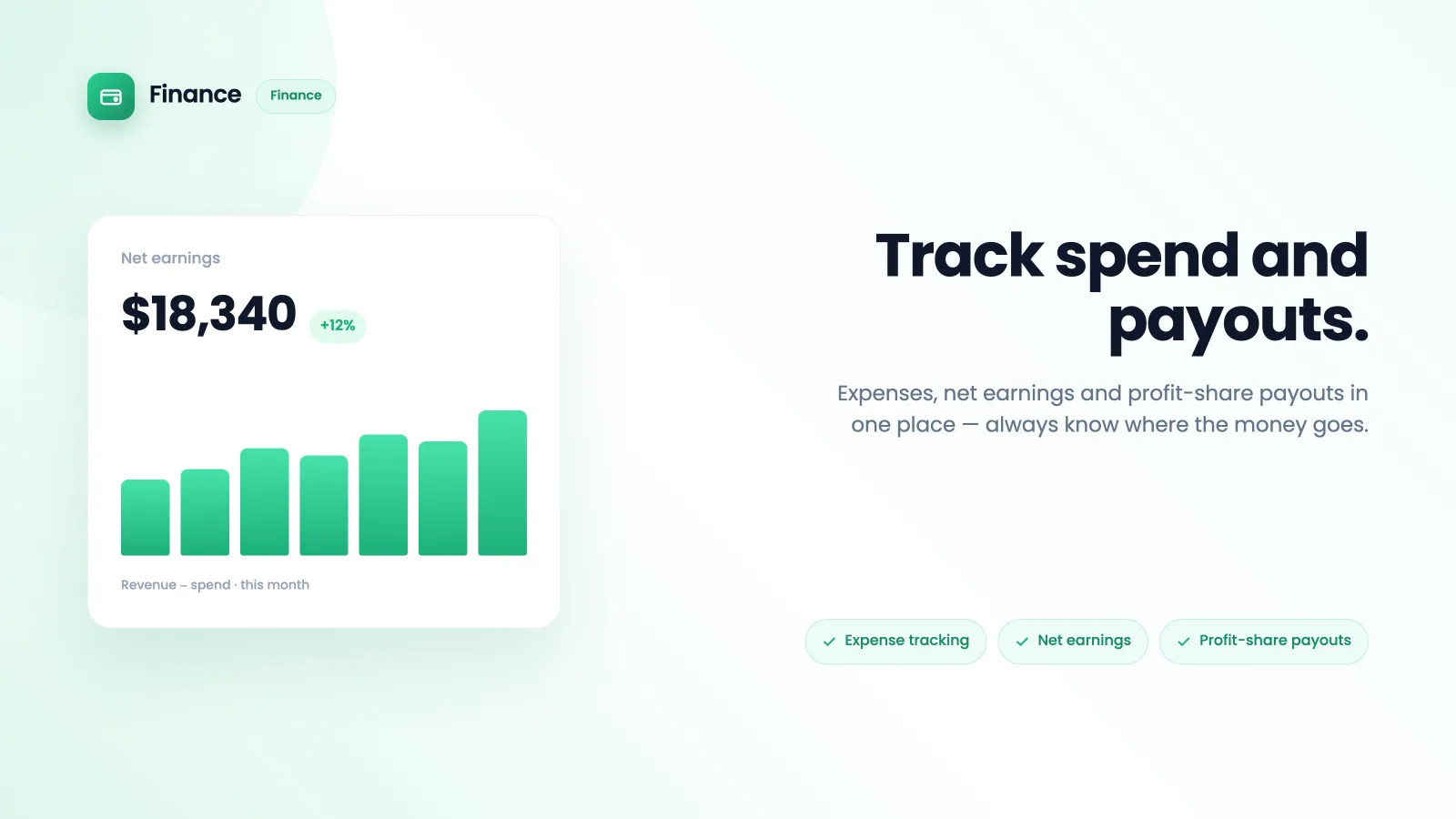
fig. 02
fig. 03
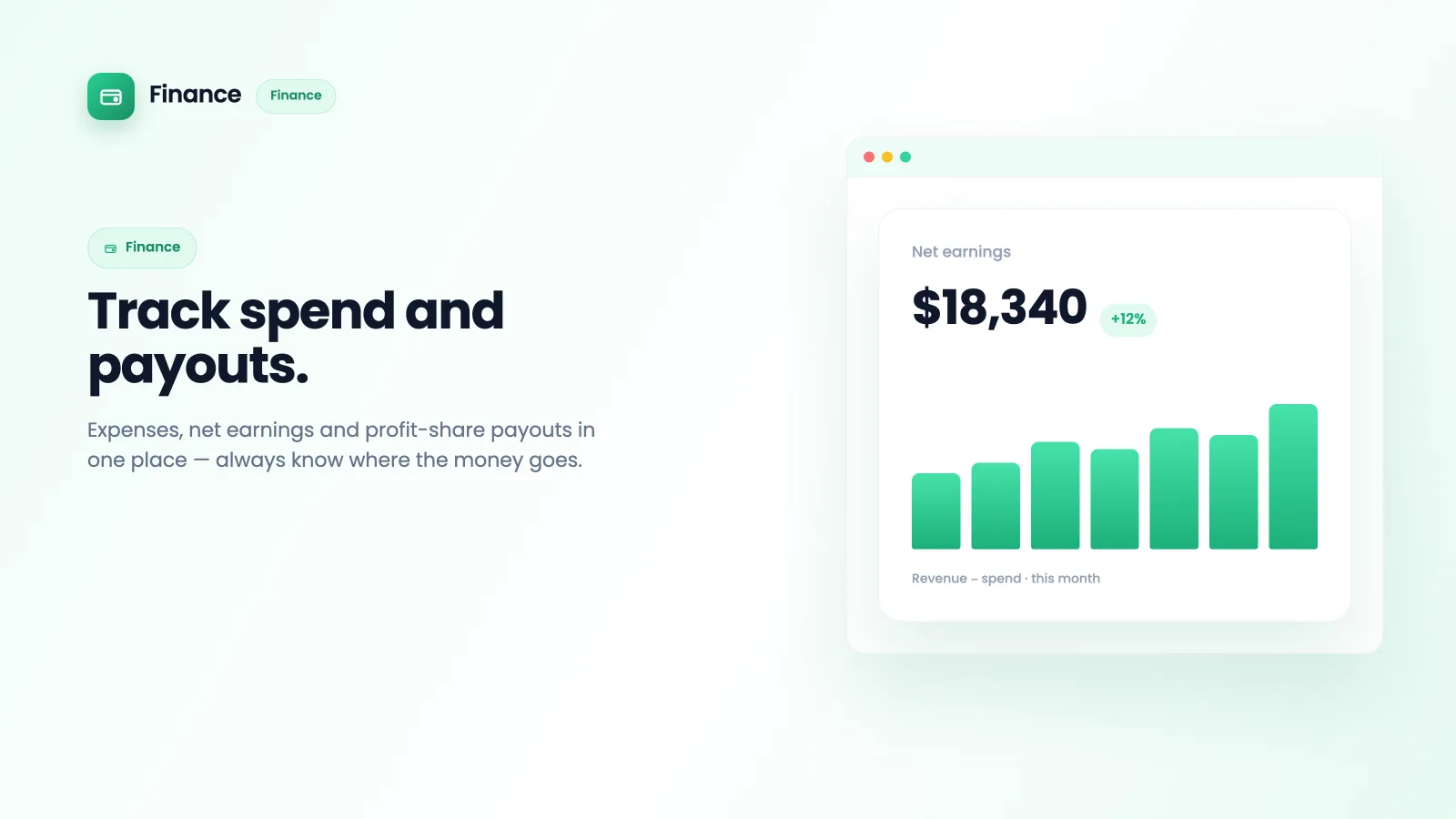
fig. 04

what it does
Inside Finance
Finance turns gross revenue into what you actually keep. Log expenses (one-time, monthly or yearly, optionally attributed to a single product) and the add-on computes net earnings against the revenue your connectors already record. Profit-share shareholders and their monthly payouts are handled in the same place.
Recurring and one-off expenses
Log a cost once and mark it monthly or yearly, and it keeps counting without re-entry.
Per-product attribution
Attribute an expense to a single product when it belongs to one, or leave it workspace-wide.
Gross to net
Net earnings are computed from your recorded revenue minus the expenses you logged, the number your bank balance actually tracks.
Profit-share shareholders
Define who shares in the profit and at what percentage, and the split is calculated for you.
Monthly payouts
Each month's share payout is worked out per shareholder, so paying partners and contractors stops being a spreadsheet.
P&L metrics
Profit and loss for the workspace, computed from the same expense and revenue records rather than a separate ledger.
how it works
Live in three steps
- 01
Log your costs
Add expenses and mark the recurring ones, attributing to a product where it applies.
- 02
Set the splits
Add shareholders and their percentages if you share profit with anyone.
- 03
Read the net
Net earnings and the monthly payout per shareholder are computed for you.
what it is for
Put to work
at a glance
- Scope
- Workspace-wide, optionally per product
- Expense types
- One-time, monthly, yearly
- Revenue source
- Whatever your connectors already record
- Payouts
- Monthly, per shareholder
pricing
Free to install
Included in your workspace, no extra charge. Enable what you need.
- No extra charge
- Turn on or off anytime
- Works with your existing data
questions
Before you install
From the revenue your connectors already record, so you only enter the cost side.
Start with Finance.
Create your workspace and we will switch Finance on for you. Add the rest of the store whenever you need it.
No card required · every add-on free to install
more operations add-ons

