
 Operations
E-Signatures
Upload a PDF, place signature, date and text fields, then send it for legally-binding electronic signature. Every step is captured in a tamper-evident audit trail with a certificate of completion.
what you get
- Drag-and-drop field placement on any PDF
- Draw or type signatures on any device
- Multiple signers with ordered routing
- Reusable templates and bulk send
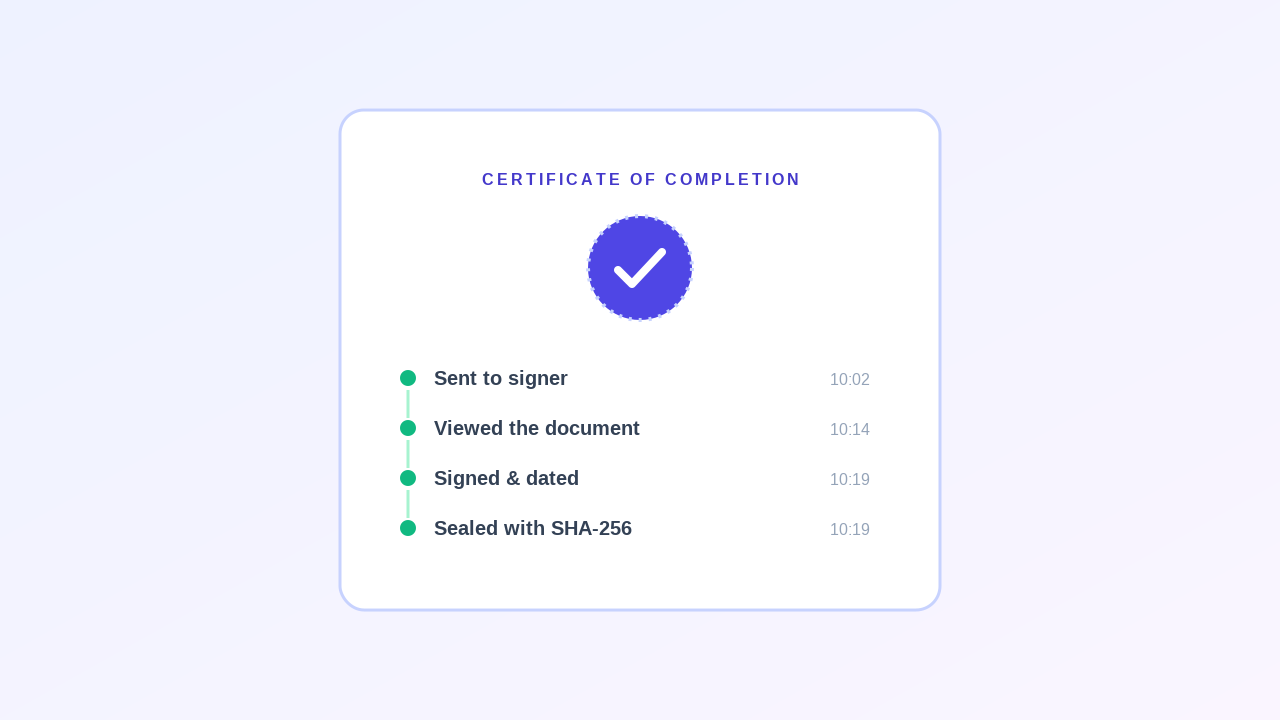
- Certificate of completion + SHA-256 tamper seal
- Automatic reminders and expiry

fig. 02

fig. 03
fig. 04
what it does
Inside E-Signatures
E-signatures modelled on DocuSign, inside your workspace. Upload a PDF, drag signature, date and text fields onto it for one or more recipients, and send it out. Recipients sign on a public, token-gated page with no account. On completion the signed PDF is stamped with every field value, a certificate of completion is appended, and a SHA-256 hash of the final file is stored as tamper evidence.
Any PDF becomes an envelope
Upload the contract you already have. No template language, no re-authoring. You place fields directly on the pages.
Fields per recipient
Signature, initials, date and free-text fields, each assigned to a specific recipient, so a two-party agreement collects the right marks from the right people.
Multiple recipients
Send one envelope to several signers and track who has opened, who has signed and who is still outstanding.
Certificate of completion
The audit trail (who signed, when, from where) is appended to the signed document itself, so the evidence travels with the file.
Tamper evidence
A SHA-256 of the final PDF is stored on completion. Any later edit to the file no longer matches the stored hash.
Token-gated signing
Recipients sign at an unguessable link. No account, no password, nothing to install.
how it works
Live in three steps
- 01
Upload the document
Drop in the PDF you want signed and add your recipients.
- 02
Place the fields
Drag signature, date and text fields onto the pages and assign each to a recipient.
- 03
Send and track
Recipients sign at their own link. You watch the envelope move from sent to completed.
what it is for
Put to work
at a glance
- Source document
- PDF upload
- Signer account
- Not required
- Audit trail
- Certificate appended to the signed PDF
- Integrity
- SHA-256 stored on completion
pricing
Included
Part of your workspace.
- Unlimited documents
- Unlimited signers
- Audit trail + certificate
questions
Before you install
The envelope captures the signer's mark, timestamp and session evidence, and appends a certificate of completion to the document, the standard electronic-signature audit trail.
Start with E-Signatures.
Create your workspace and we will switch E-Signatures on for you. Add the rest of the store whenever you need it.
No card required · every add-on free to install
more operations add-ons

