
 Operations
Notifications
Slack & Lark alerts plus an in-app feed for product lifecycle events. Stay on top of what happens. Install it in one click and it appears across your workspace instantly.
what you get
- Stay on top of what happens.
- Slack & Lark alerts plus an in-app feed for product lifecycle events.
- Turn it on or off anytime, no setup lock-in.
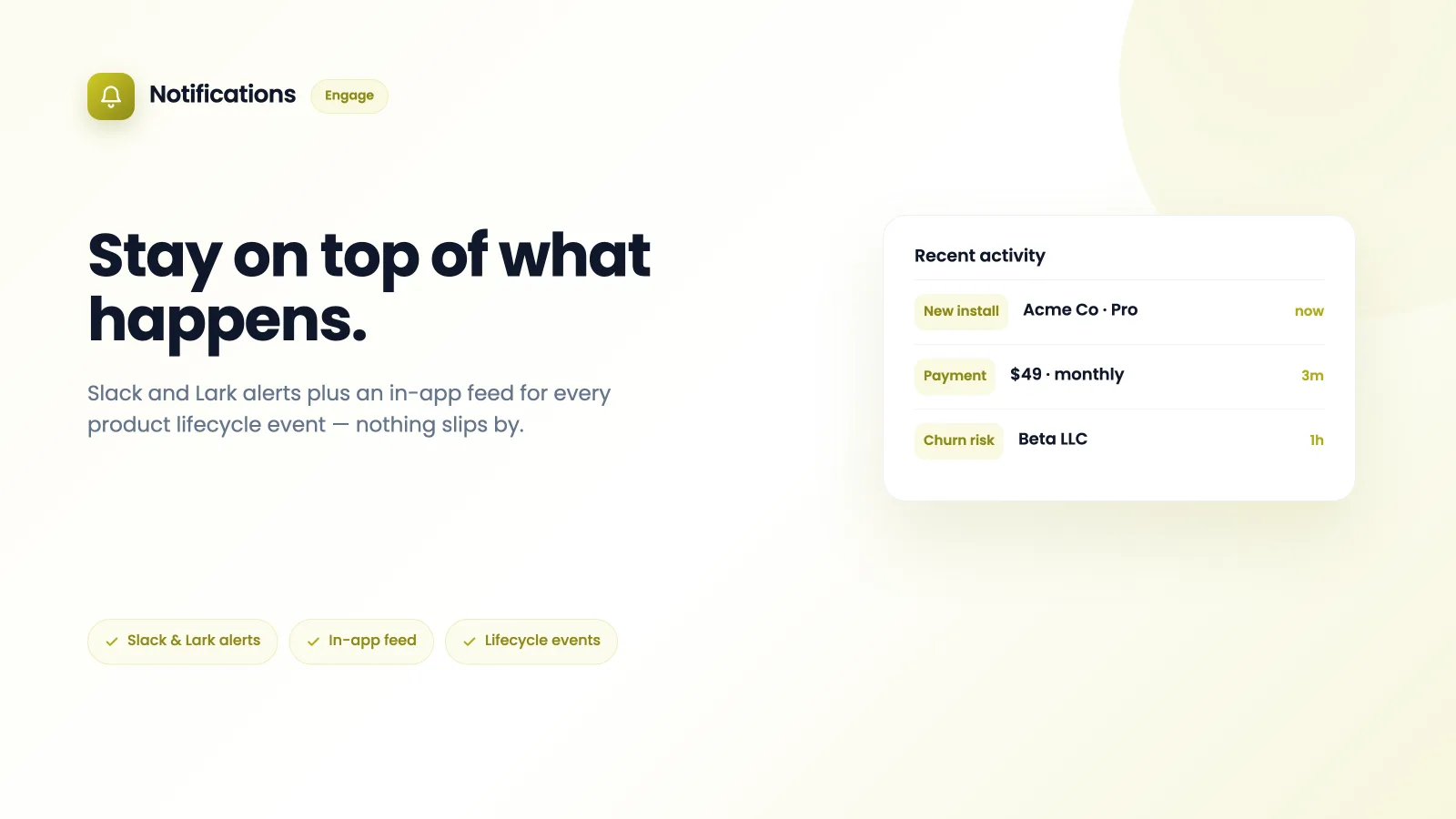
fig. 02
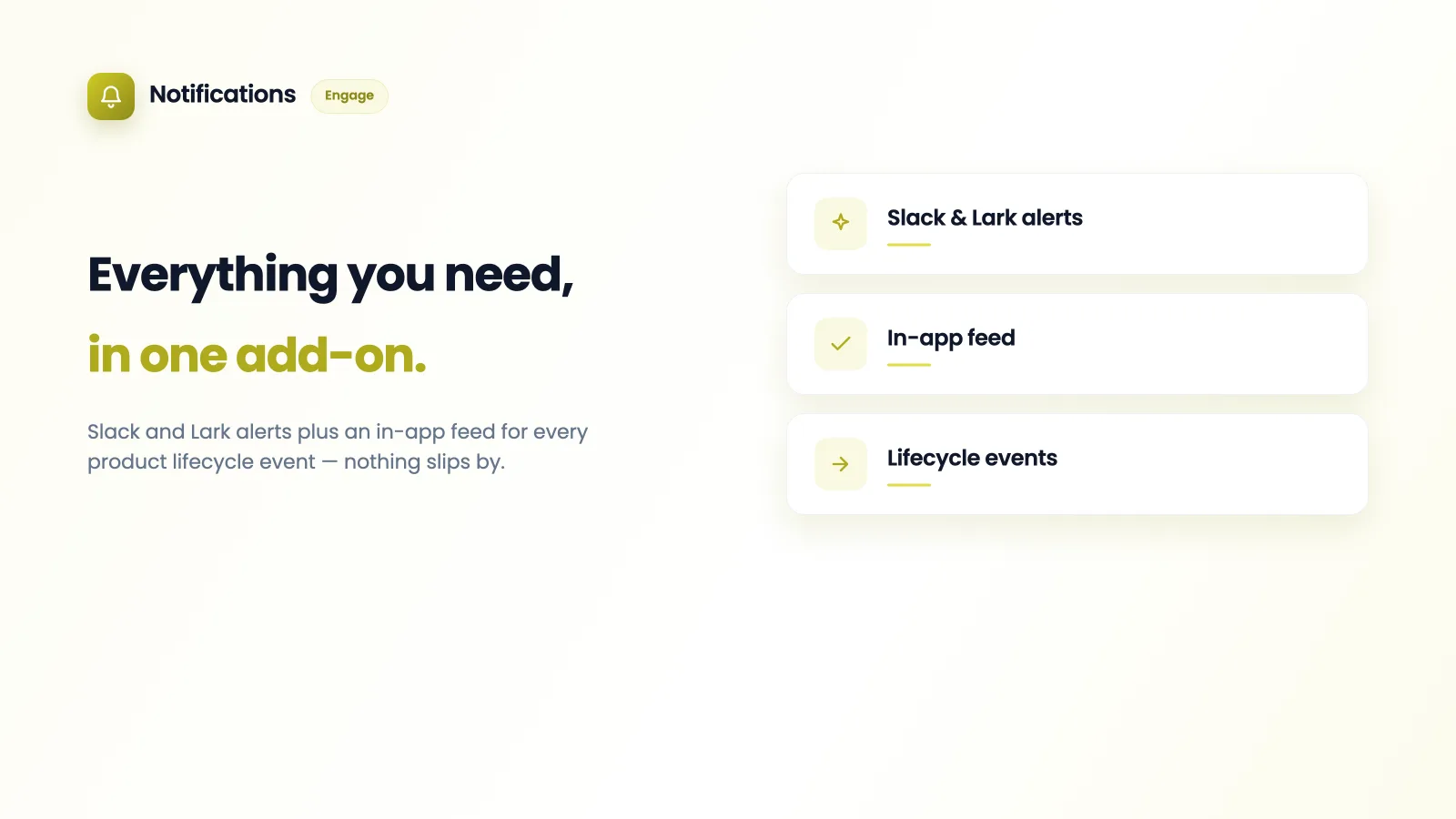
fig. 03
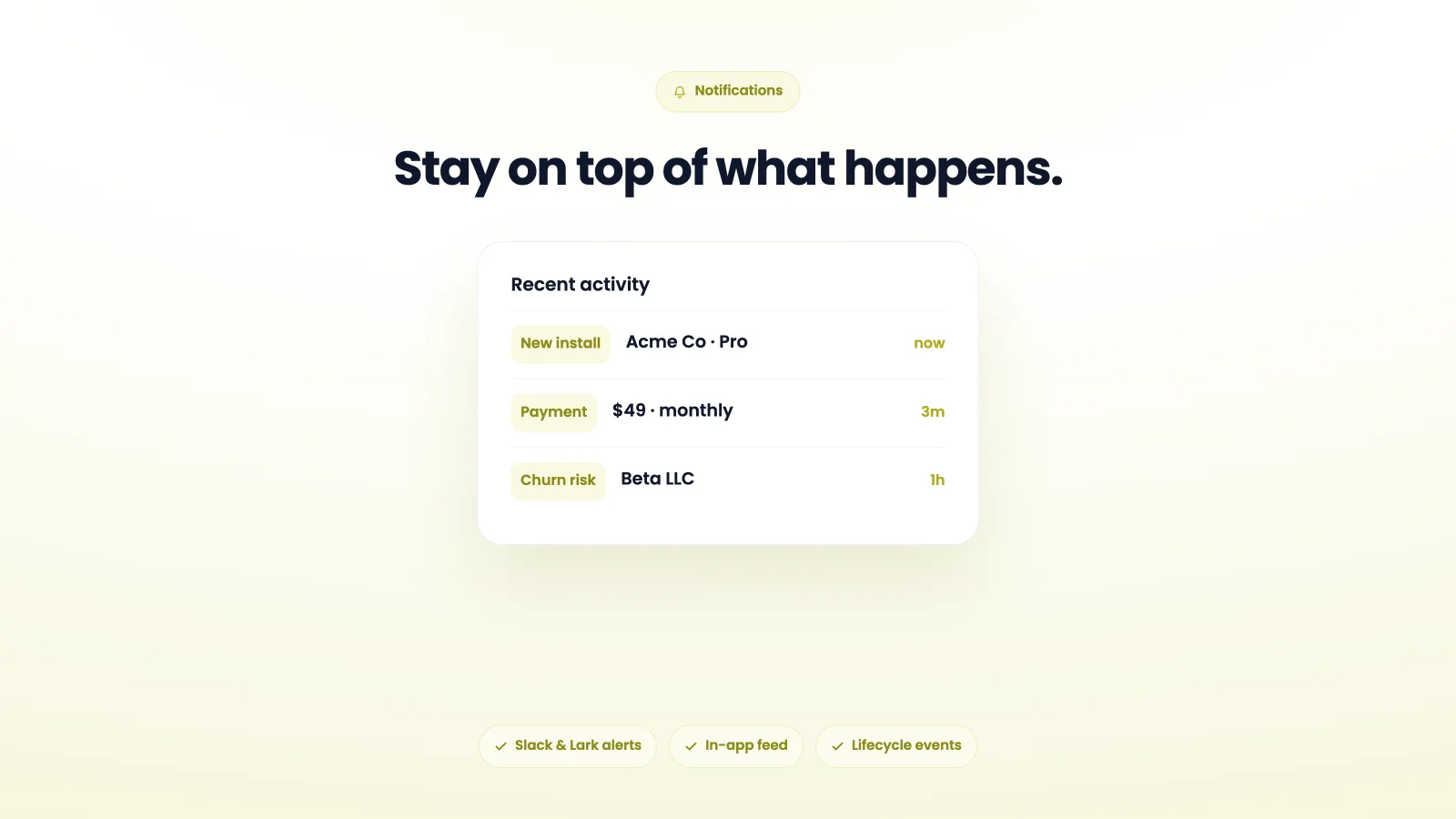
fig. 04
what it does
Inside Notifications
Notifications is the delivery layer for everything your workspace should know about. Subscribe to the product events you care about, route them to Slack or Lark webhooks and an in-app feed, and get a daily or weekly digest by email. Deliveries are deduped, so one real-world event never becomes three pings.
Slack and Lark channels
Point a webhook at the channel your team already lives in and the alerts arrive there, formatted and linked back to the record.
Per-event subscriptions
Subscribe to the specific lifecycle events you care about instead of receiving everything and muting the channel a week later.
In-app feed
Every delivery also lands in a feed inside the workspace, so nothing is lost when a channel is muted or a webhook fails.
Deduped delivery
The pipeline collapses duplicate deliveries, so a retried or repeated event does not spam the same channel.
Digest email
A daily or weekly workspace digest, assembled from what the other add-ons recorded that period.
Per-workspace routing
Channels are configured per workspace, so different teams can route the same event type to different places.
how it works
Live in three steps
- 01
Add a channel
Paste a Slack or Lark incoming-webhook URL and name it.
- 02
Subscribe to events
Tick the lifecycle events that should reach that channel.
- 03
Choose your digest
Set the email digest to daily, weekly or off.
what it is for
Put to work
at a glance
- Channels
- Slack and Lark incoming webhooks
- In-app
- Notification feed
- Digest
- Daily or weekly email
- Duplicates
- Deduped before delivery
pricing
Free to install
Included in your workspace, no extra charge. Enable what you need.
- No extra charge
- Turn on or off anytime
- Works with your existing data
questions
Before you install
No. The delivery pipeline dedupes, so a repeated or retried event resolves to one message.
Start with Notifications.
Create your workspace and we will switch Notifications on for you. Add the rest of the store whenever you need it.
No card required · every add-on free to install
more operations add-ons

